What if I need to upload additional documents for a client?
Last updated: January 16, 2026
This often happens when clients send documents late or you need to upload an edited version.
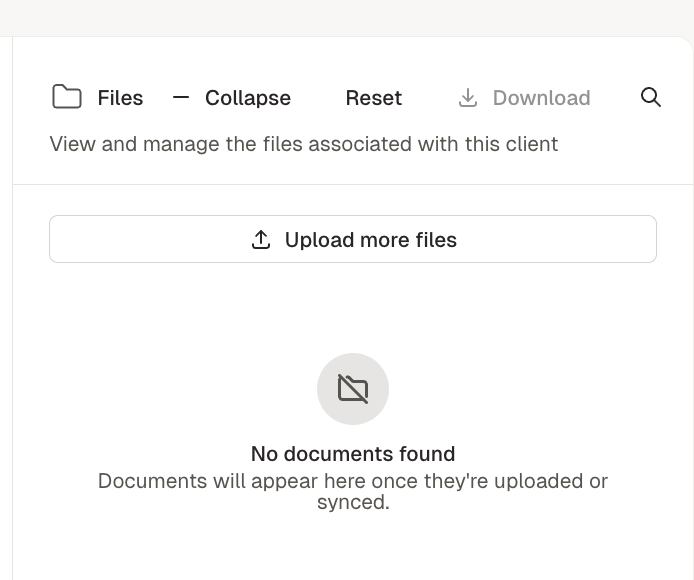
You can always sync additional documents by going to the client page. In the right panel, there will be a list of all existing documents and a option to upload more files. You'll see a dropdown for syncing form your integrations or manually uploading files.
Important: If you re-upload the client with documents on the home page, Filed will create a new, duplicate client.