How to confirm Business Units and Office in CCH Axcess Tax
Last updated: January 21, 2026
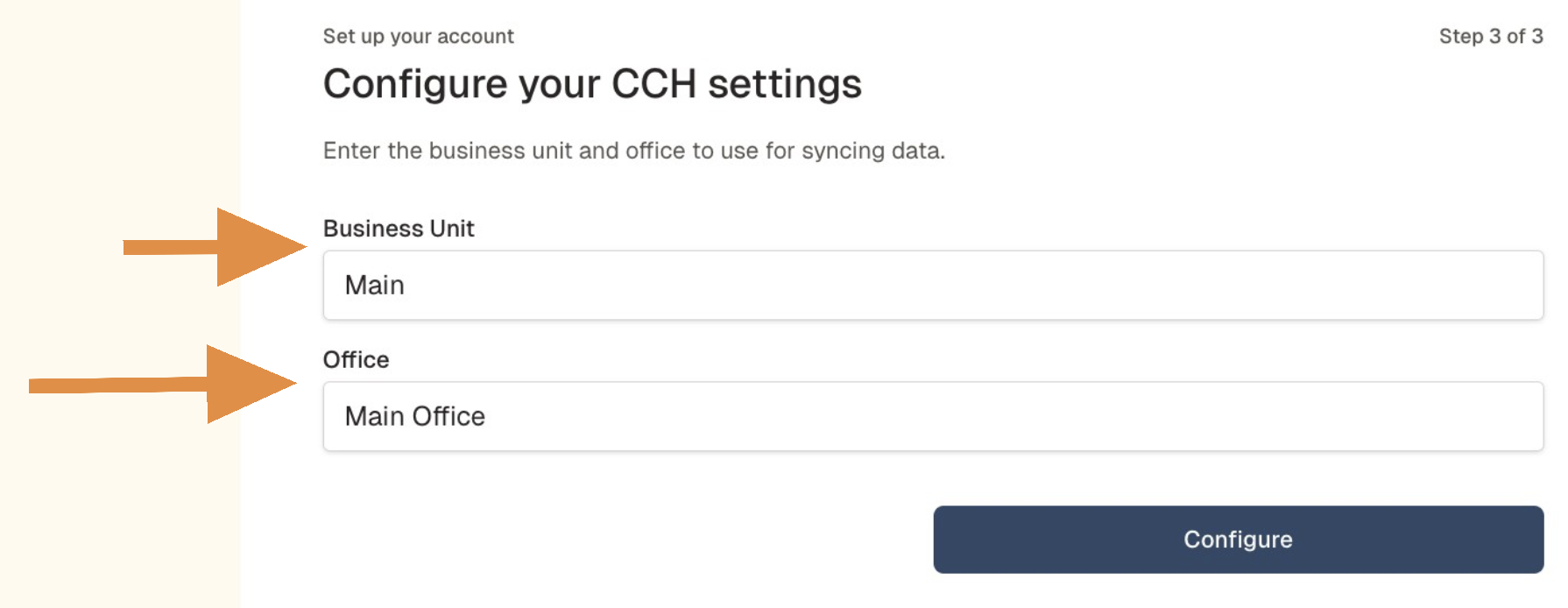
To integrate with CCH Axcess Tax, Filed will asked you to confirm the names for your Business Unit and Office.
To view the step-by-step instructions with screenshots, see the walkthrough below. To expand the images, click the arrow button in the top right.
Step by step guide
To confirm, log into your CCH Axcess Tax Dashboard as an admin.
Navigate to Firm settings in the bottom left corner.
In the popup page, click Organizational Units.
In the Offices tab:
Confirm the name of your Office.
If the default name "Main Office" is not listed, copy the correct name and paste it in your Filed account.
Go to the Business Units tab.
Confirm the name for your Business Units.
If the default name "Main" is not listed, copy the correct name and paste it in your Filed account.
Once both Business Unit and Office are confirmed, click Configure!