Settings Menu - Overview of the Billing Tab
Last updated: February 1, 2026
The Billing tab allows you to manage your Filed credits and send any payments due to Filed.
How to find the Billing tab -
Settings Menu
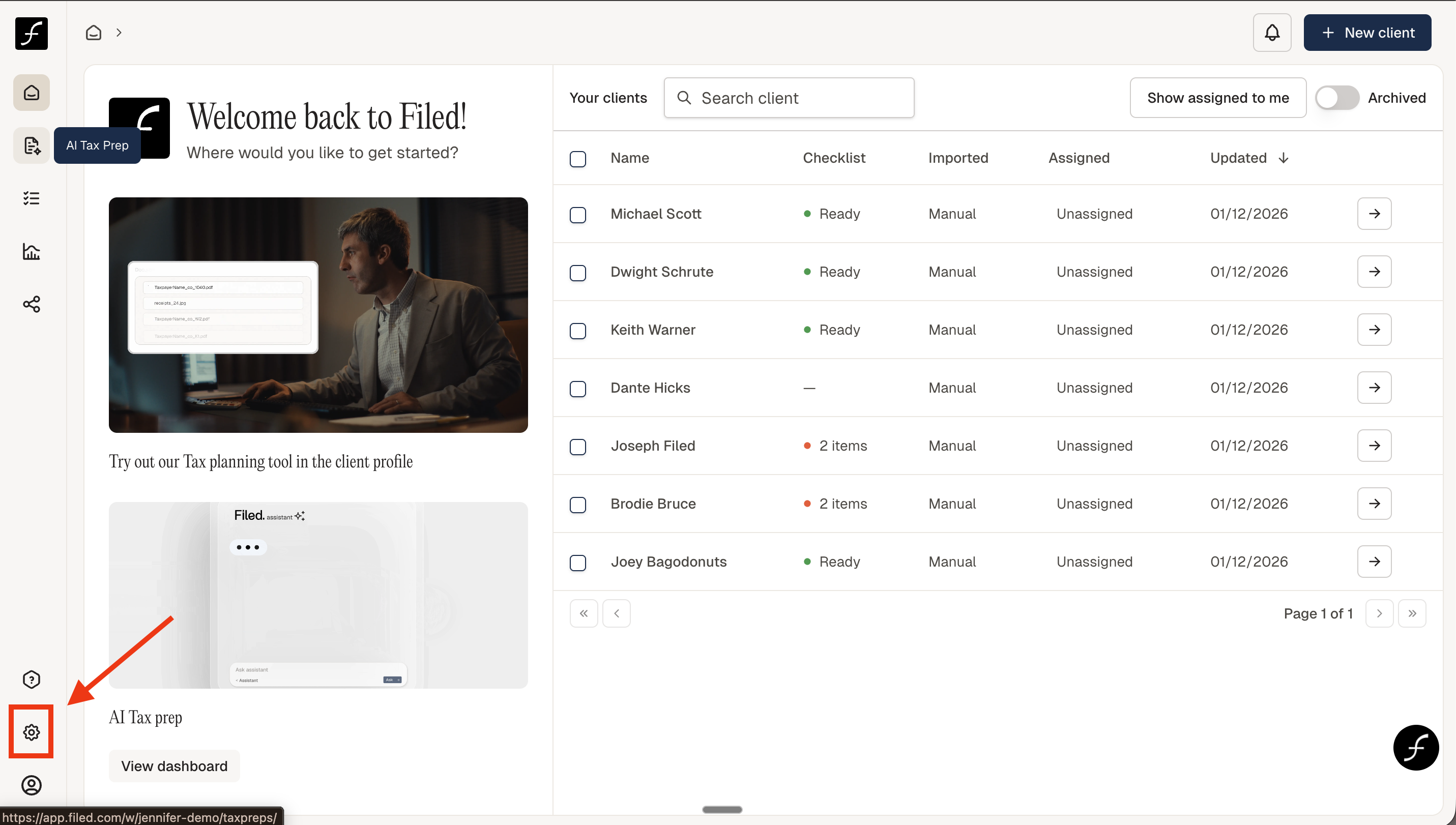
When you log in, you will land on the Tax Ops page. From there, navigate to the lower-left corner of the screen and click the Settings icon
You can access the Billing tab from the Settings screen. Once there, click Billing
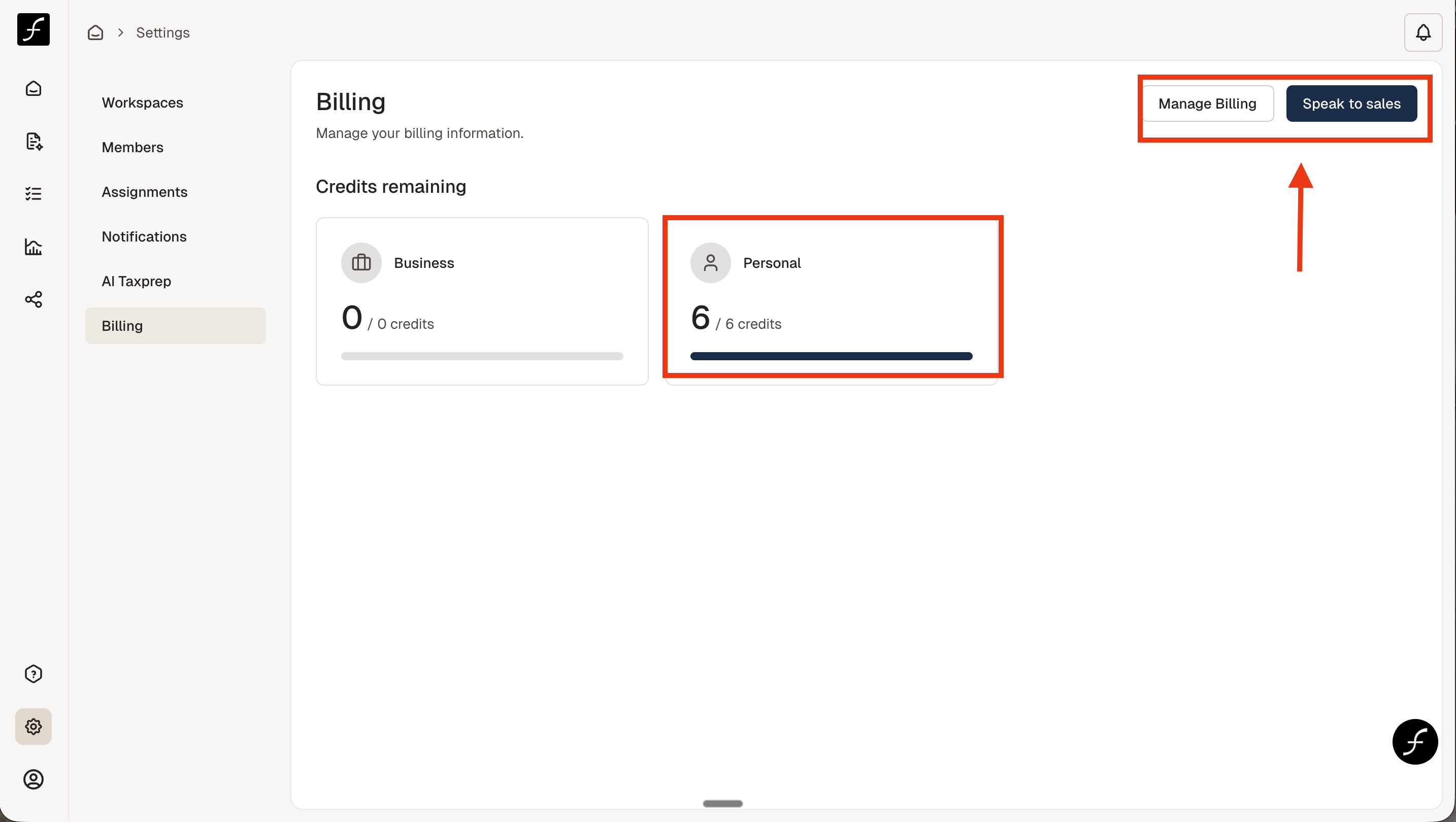
On the Billing screen, there are two options. You can click Speak to sales if you need more credits. Clicking this option will open up a calendar where you can book a call. The second option is Manage Billing - clicking this will send you to Stripe so that you can send your payment.