Overview - Reassigning a Return
Last updated: February 1, 2026
If you need to reassign a single return to someone else, follow these steps.
How to reassign a return to someone else
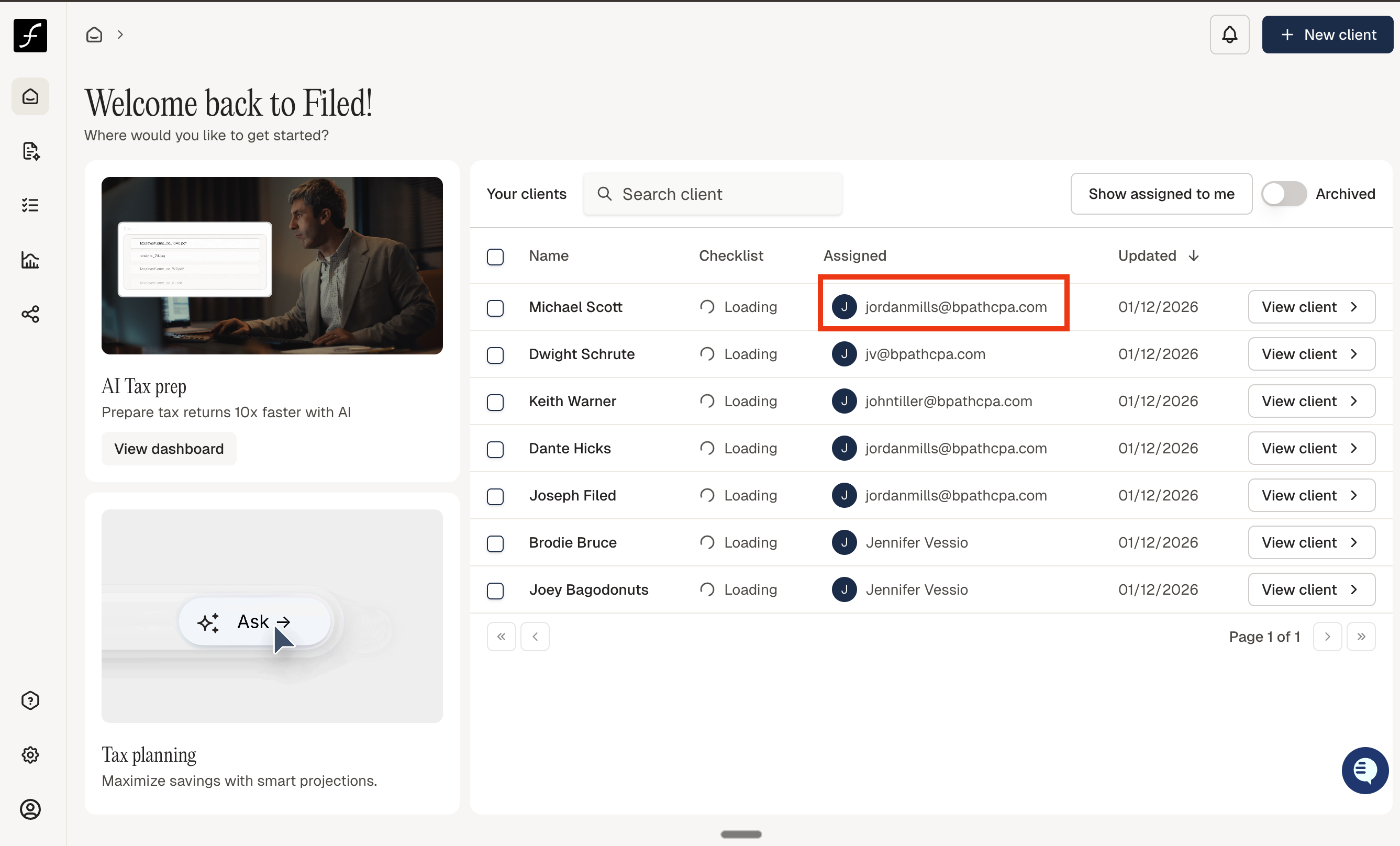
From Home, you can click on the email address or name under Assigned for a dropdown to change the assignee. Other ways to change the assignee include:
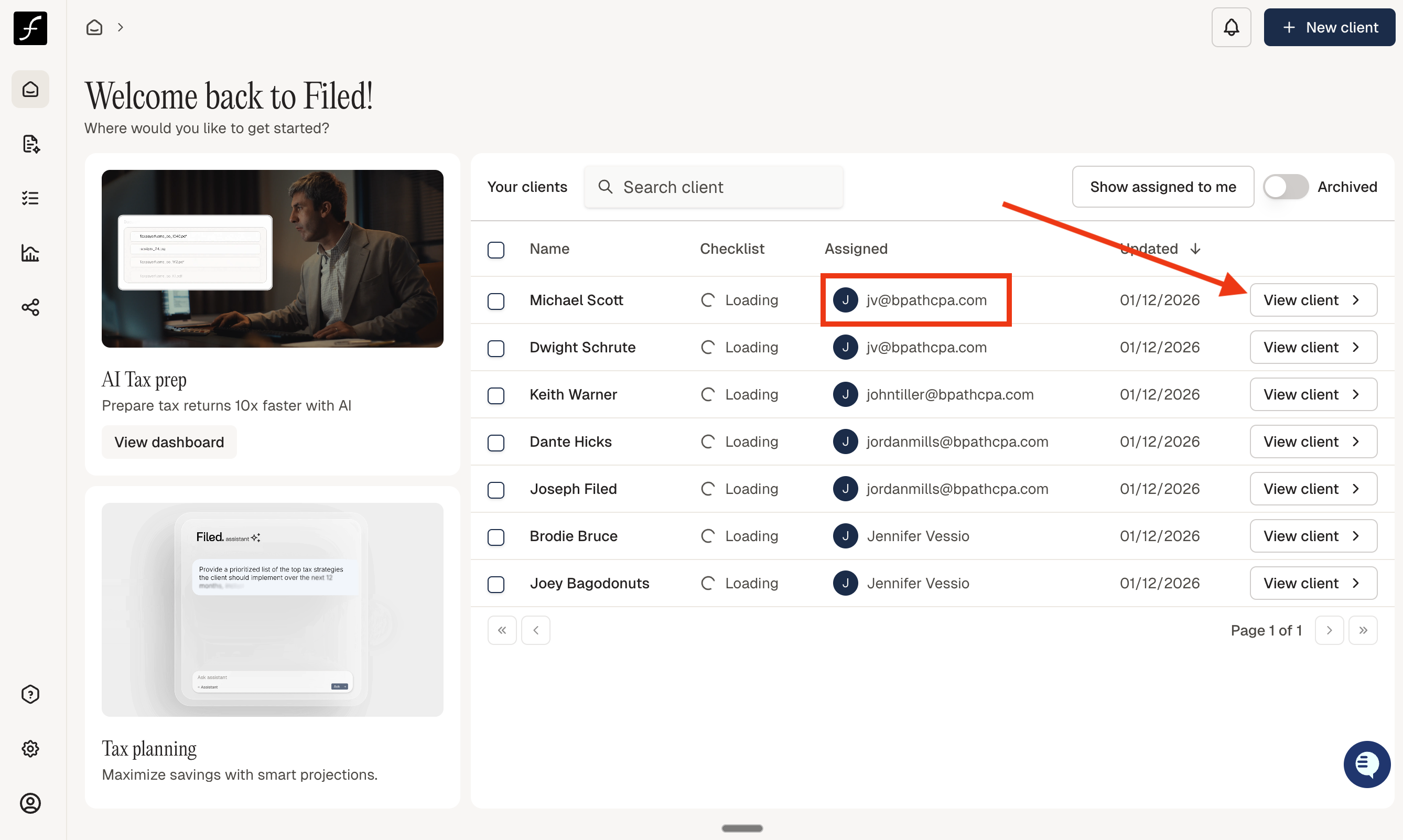
Click View Client or the right arrows ▶ for the client whose return you want to reassign.
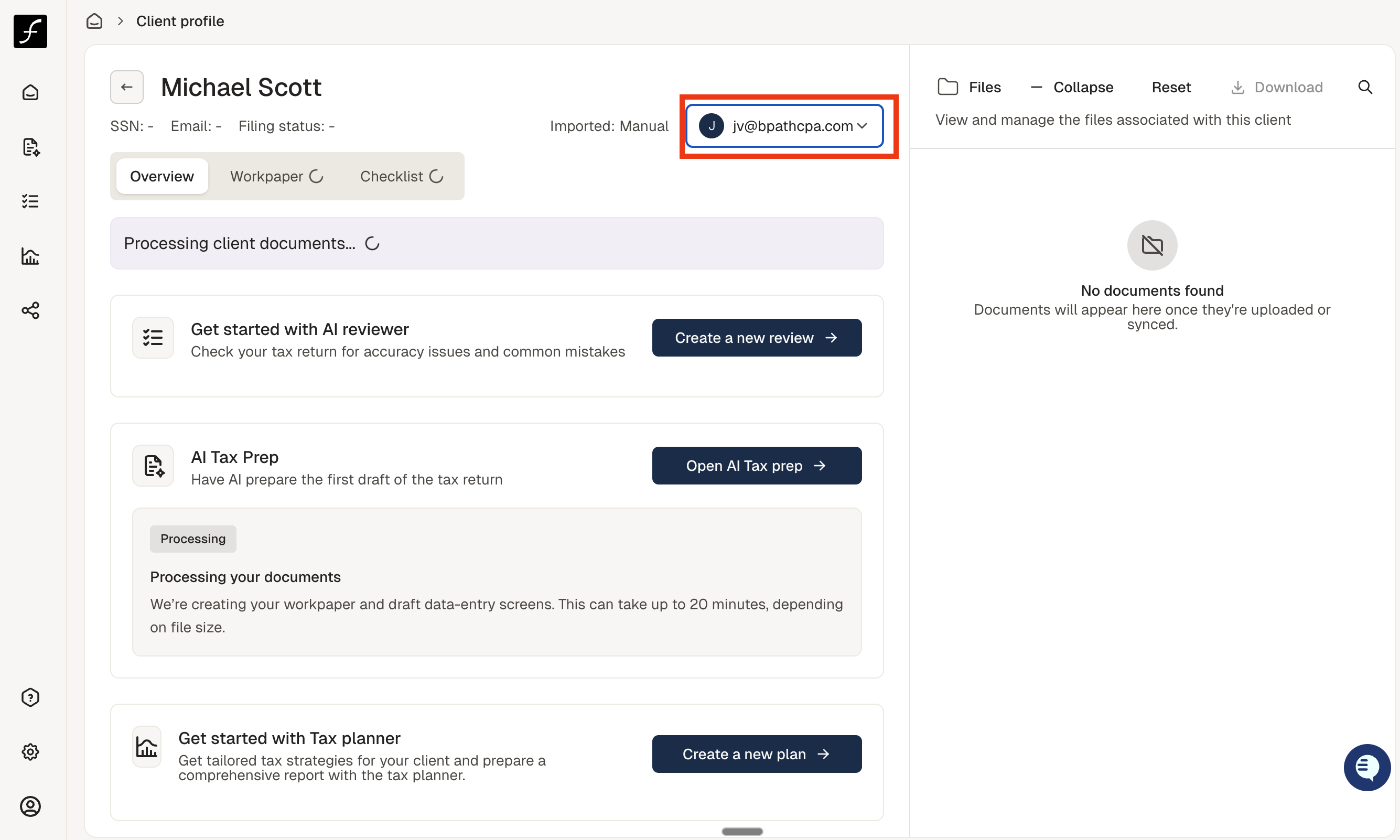
Click the dropdown menu indicated in the image below.
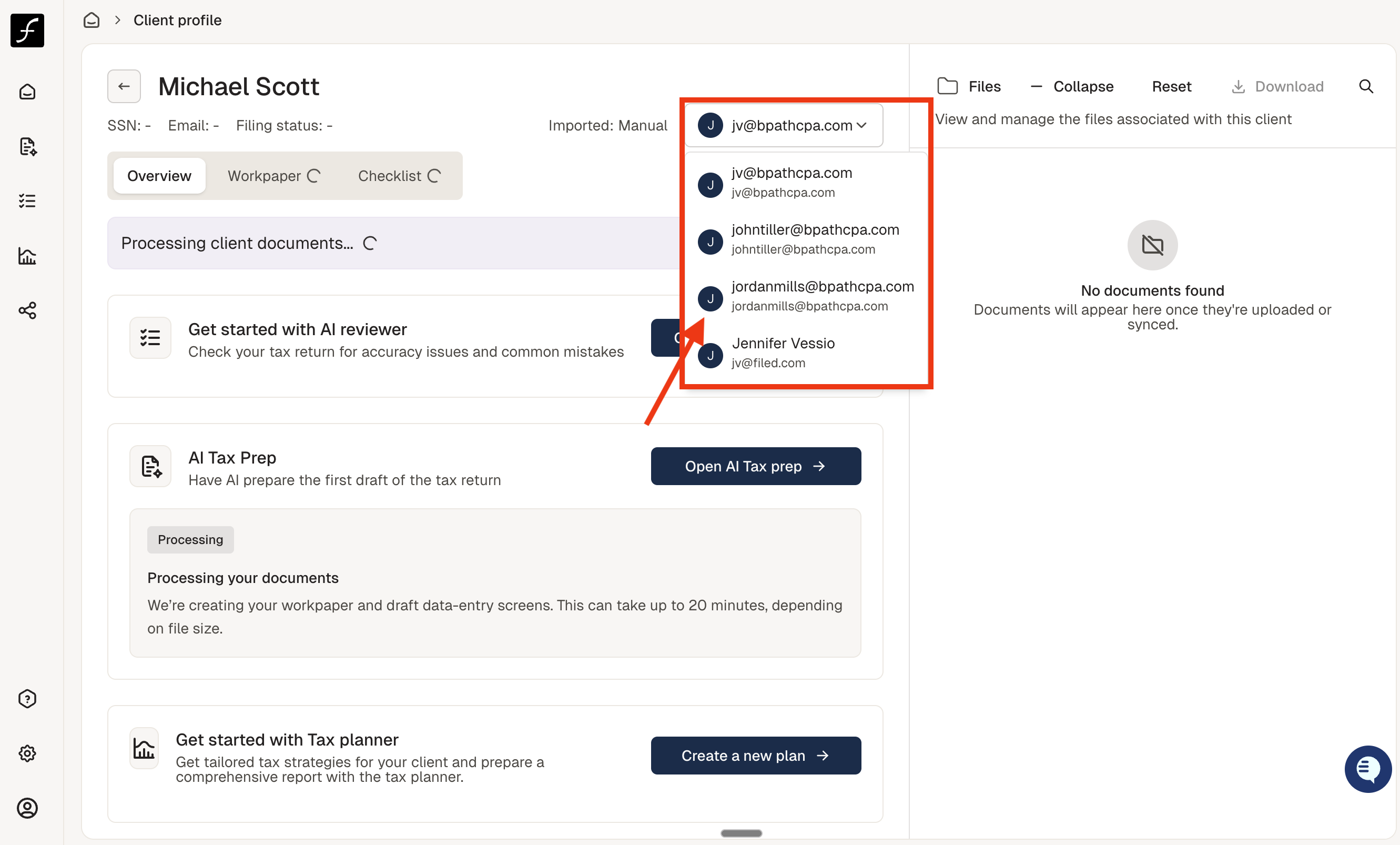
Select the team member you want to assign the return to.
Return to the Main Screen — the assignment will now be updated to the selected team member.