How to manually download your client files
Last updated: October 1, 2026
This guide walks you through the steps to manually download your client files from Filed. This process is helpful for firms that want to download a backup copy or need to upload client documents manually to their tax software.
Log in to your Filed account.
Search for your client on your home page and click the client's name to open the client hub.
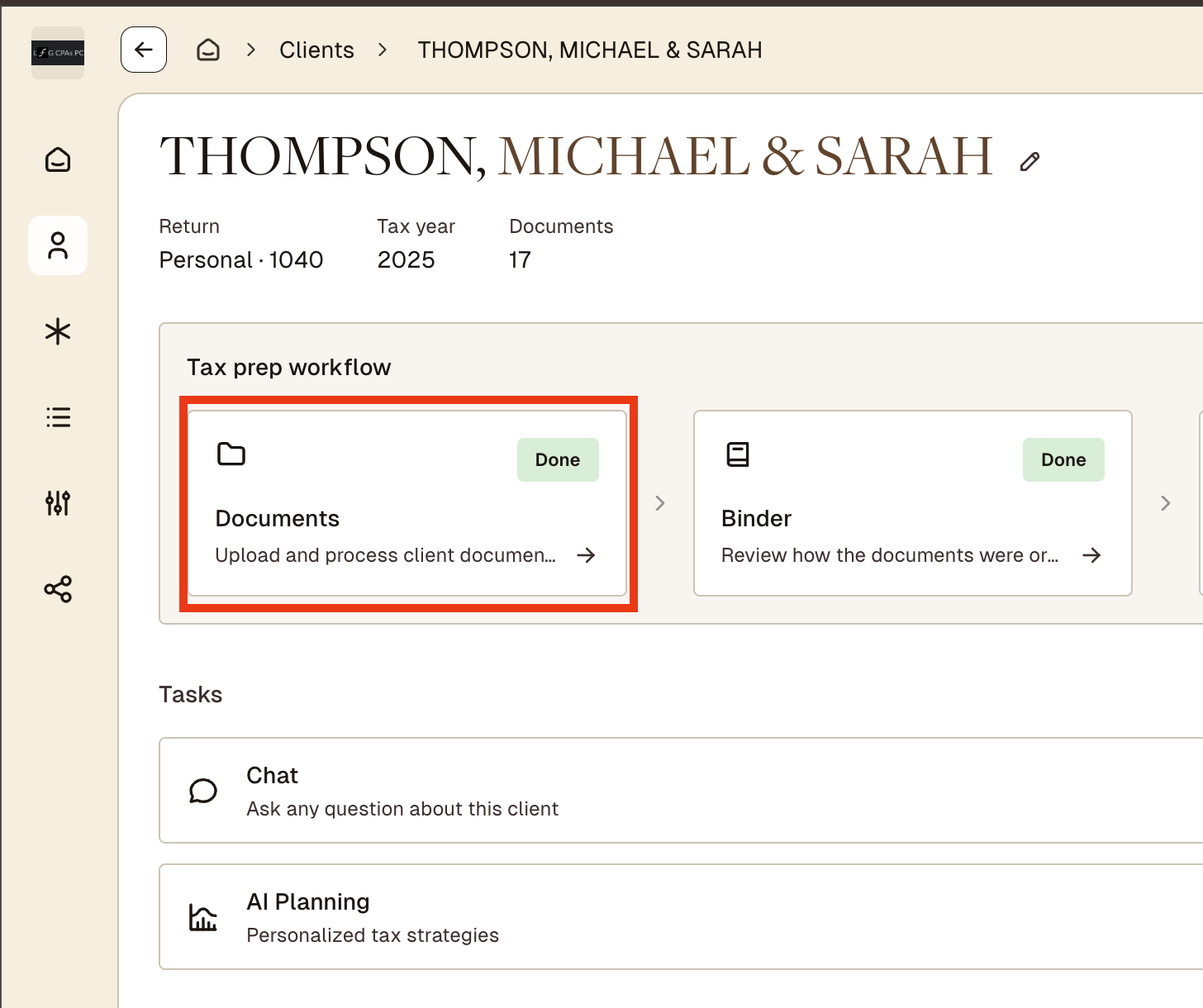
Go to the Documents, click to open.
Open the three dot menu shown below and click "download source documents"
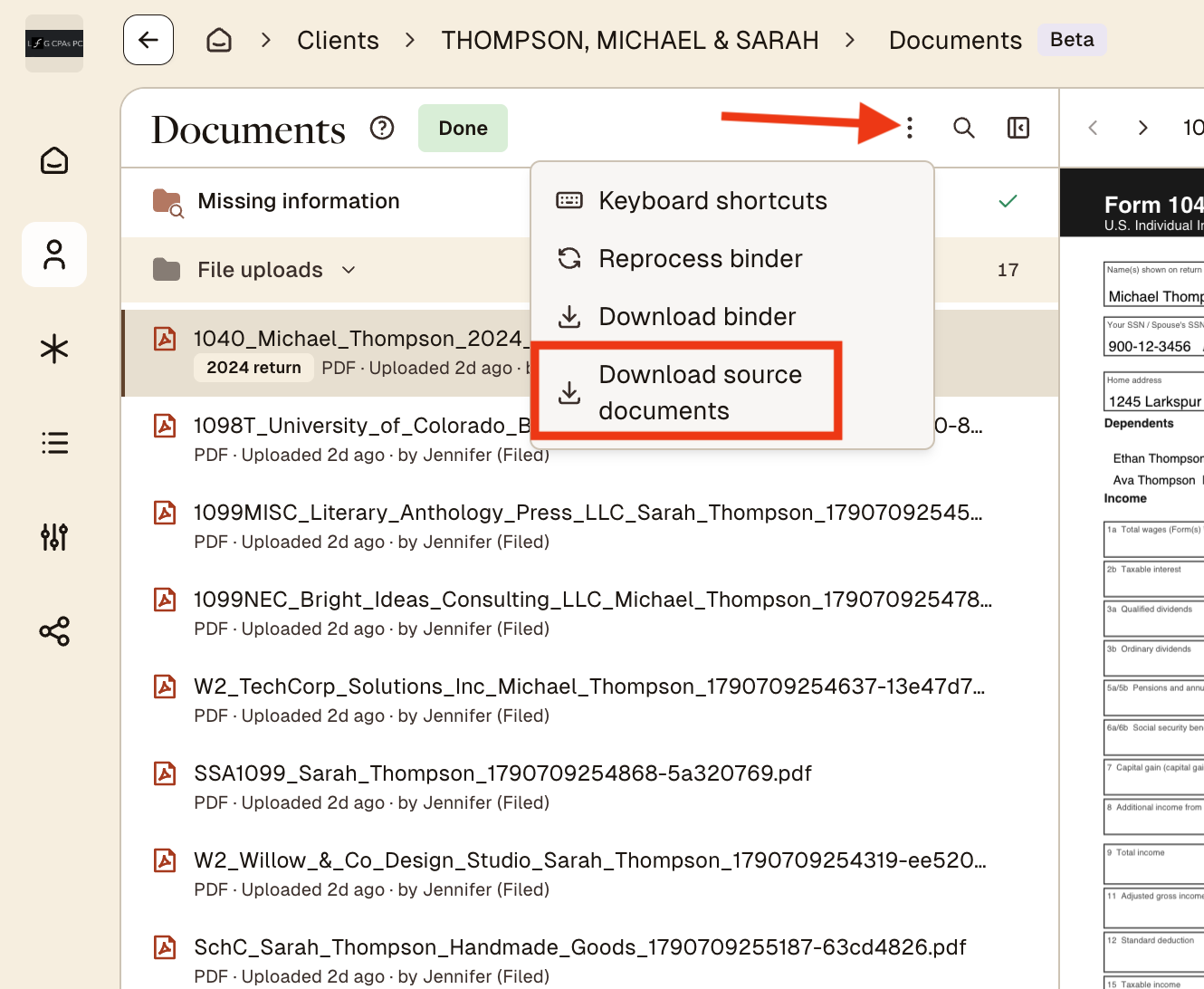
Note: If you don't have any documents in Filed, this button will be greyed out.