Review Function in Binder - Cross Reference
Last updated: March 9, 2026
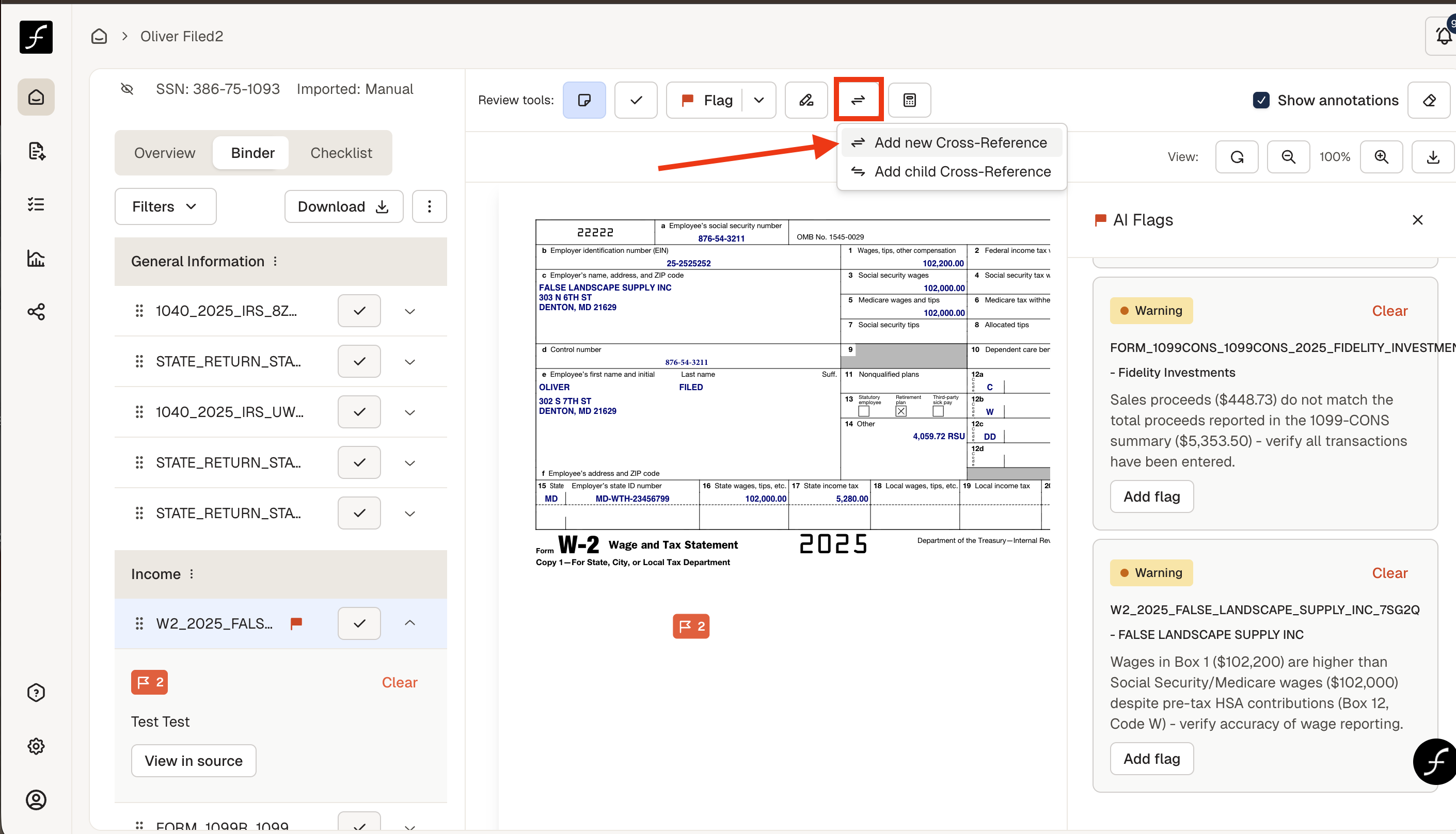
In the Binder you can see all of your source documents and use this during your review. Open a source document by clicking on it and you will see review tool icons above it. The Cross-reference tool is the fifth icon. Go to the first document that you want to reference and open it. The click the cross-reference icon.
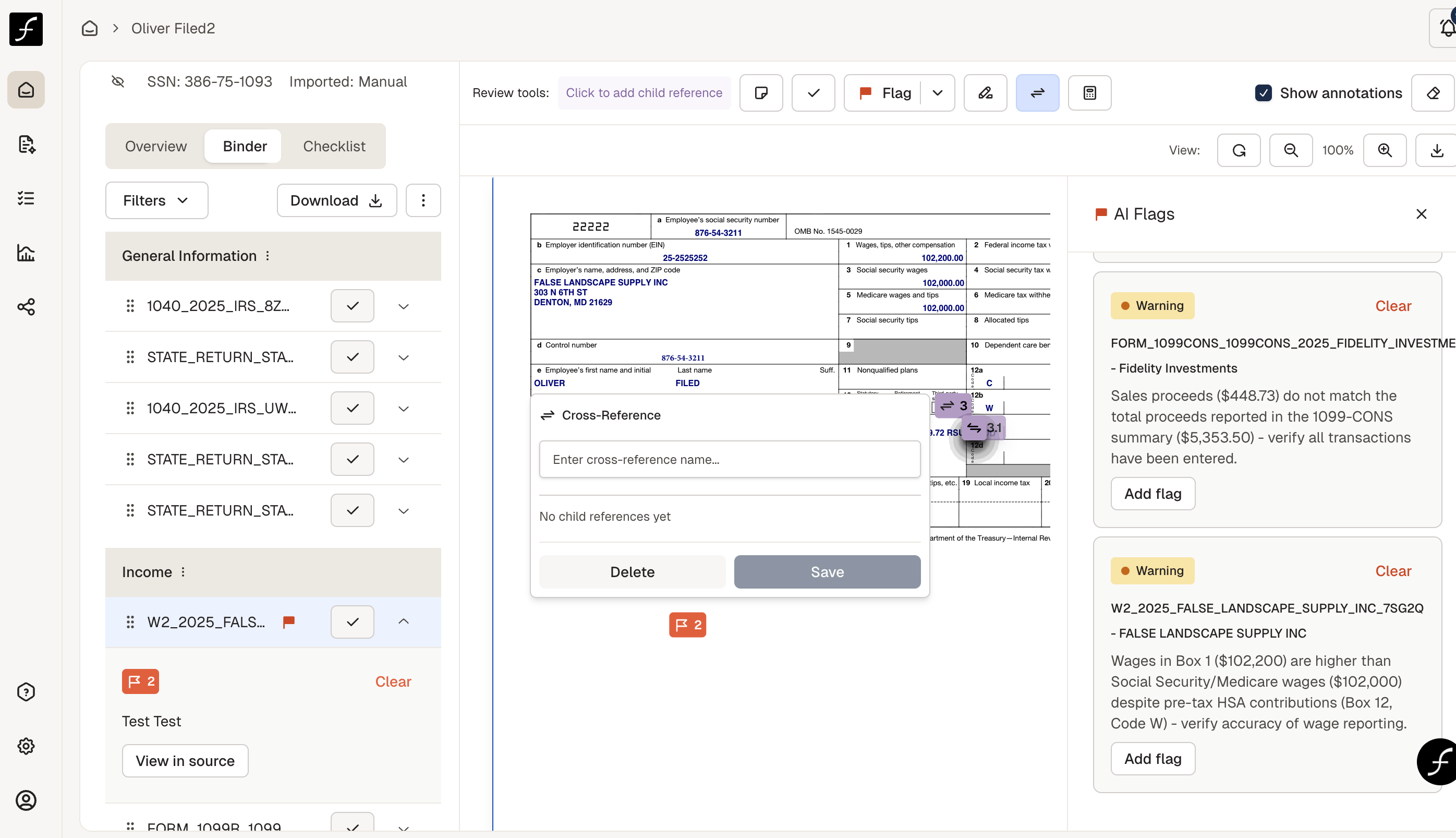
Click on the page where you want to place the reference icon and click. Add a name for your cross reference. I used the name Form 8889 since I am cross referencing W2 box 12 code W with form 5498SA contribution.
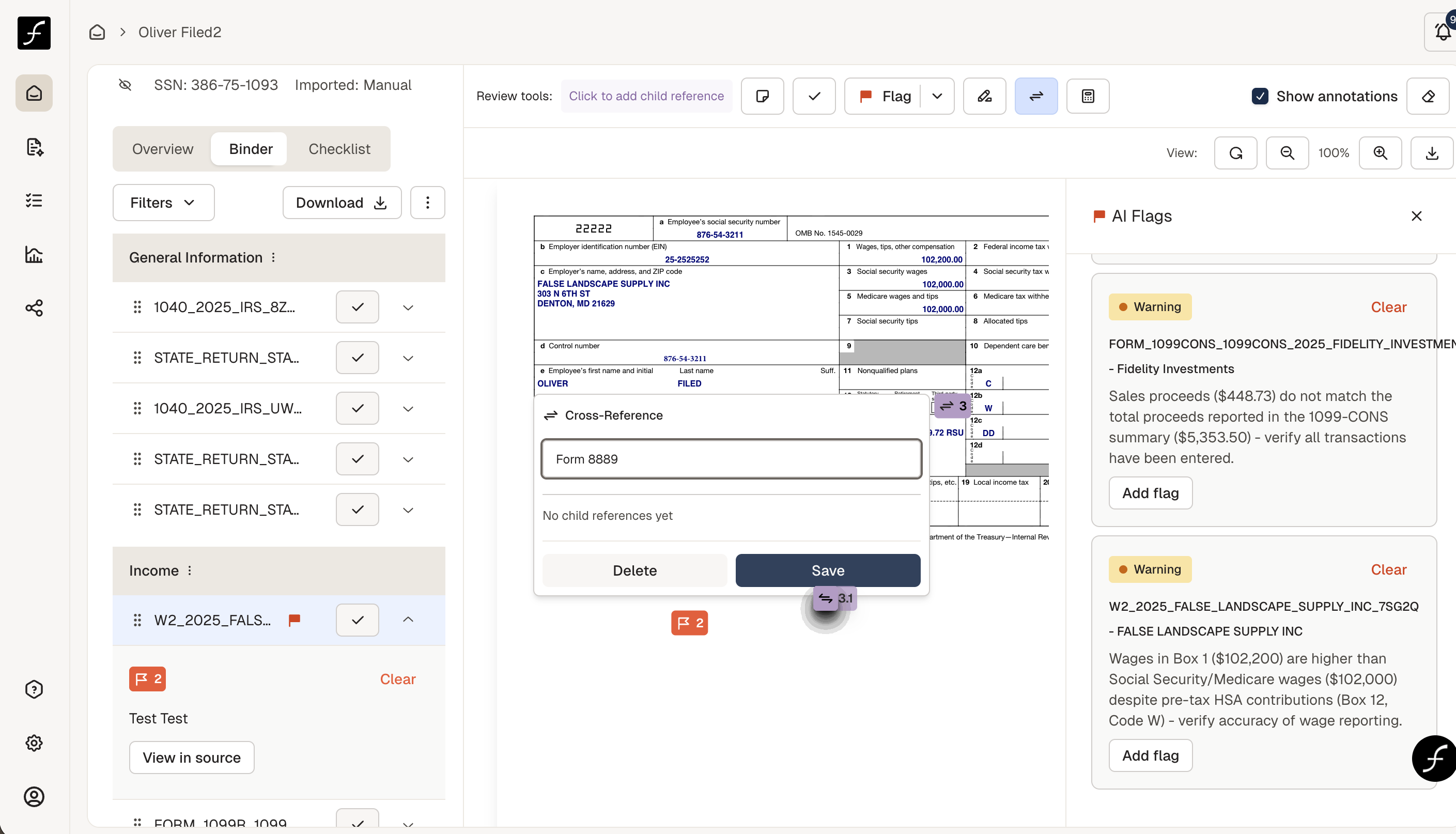
Enter the name of the reference and click Save.
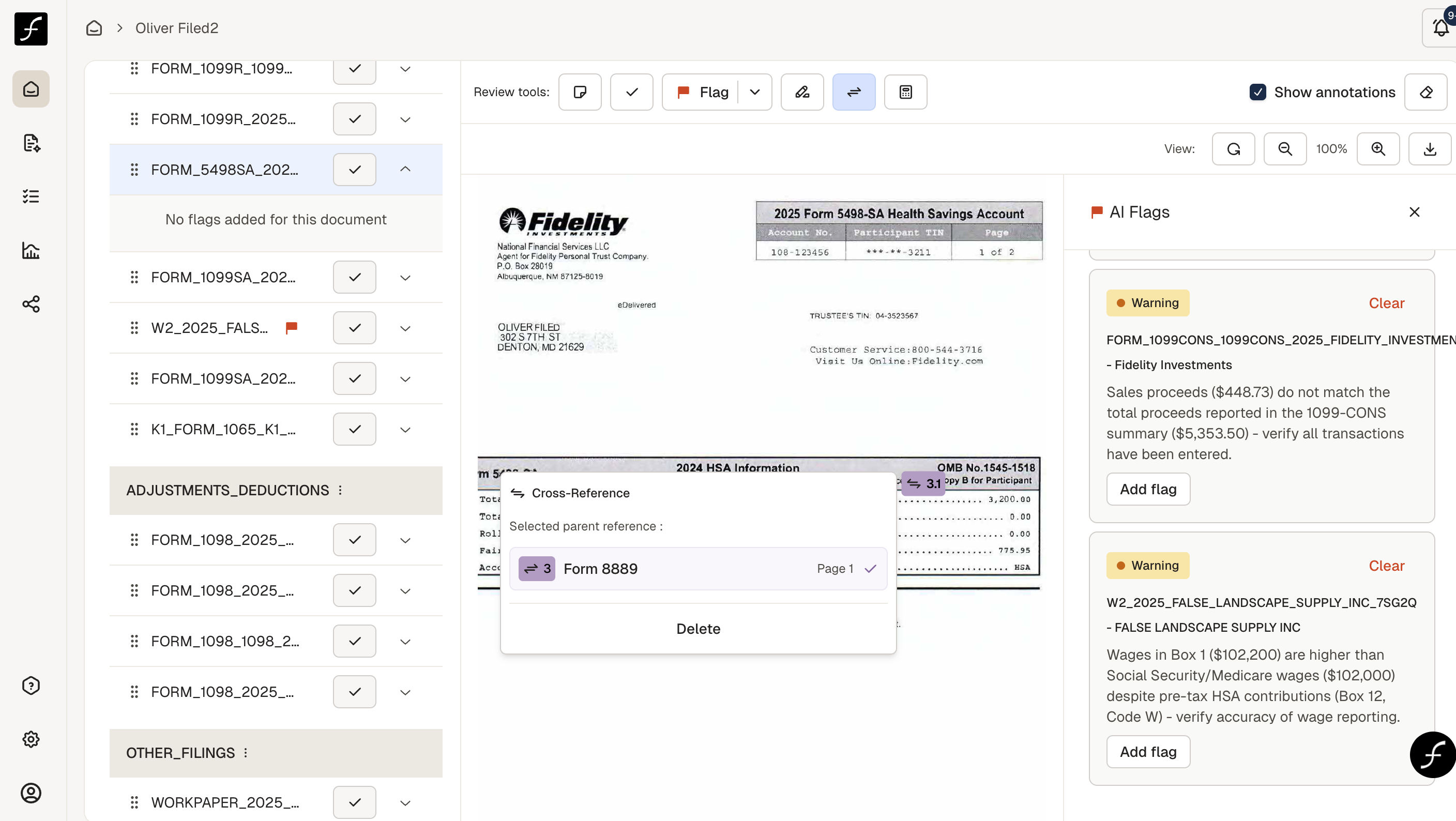
Then scroll to the second document, click where you want to place the other half of the cross-reference.