Overview - Assigning Imported Returns In Bulk
Last updated: February 1, 2026
If you are the assigned recipient to all imports or there are unassigned returns and you would like to distribute returns to your team members, follow these steps -
How to assign uploaded returns automatically assigned to me
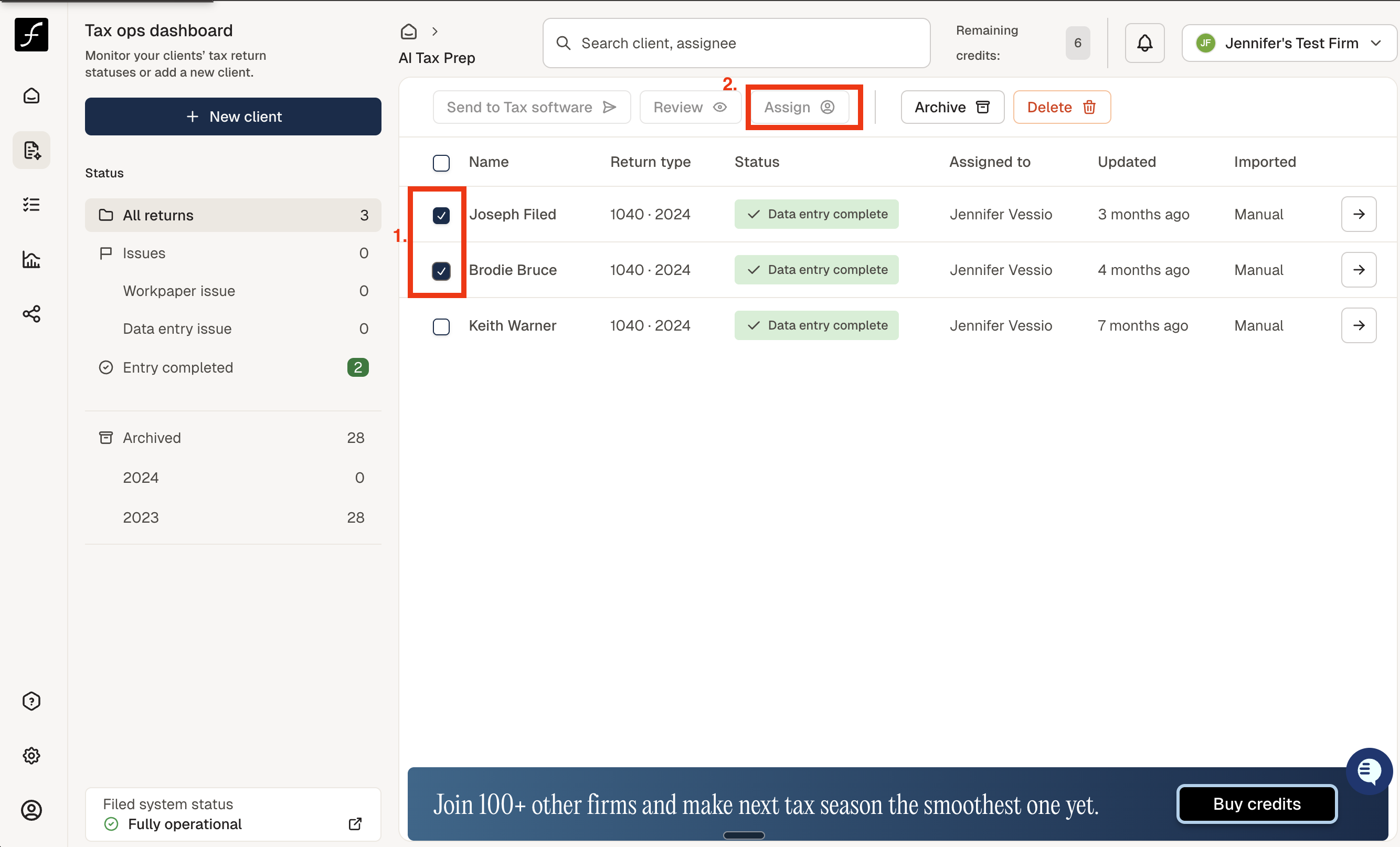
If a return is manually uploaded or you want to reassign a previously assigned return, you can do so directly from the Tax Ops page -
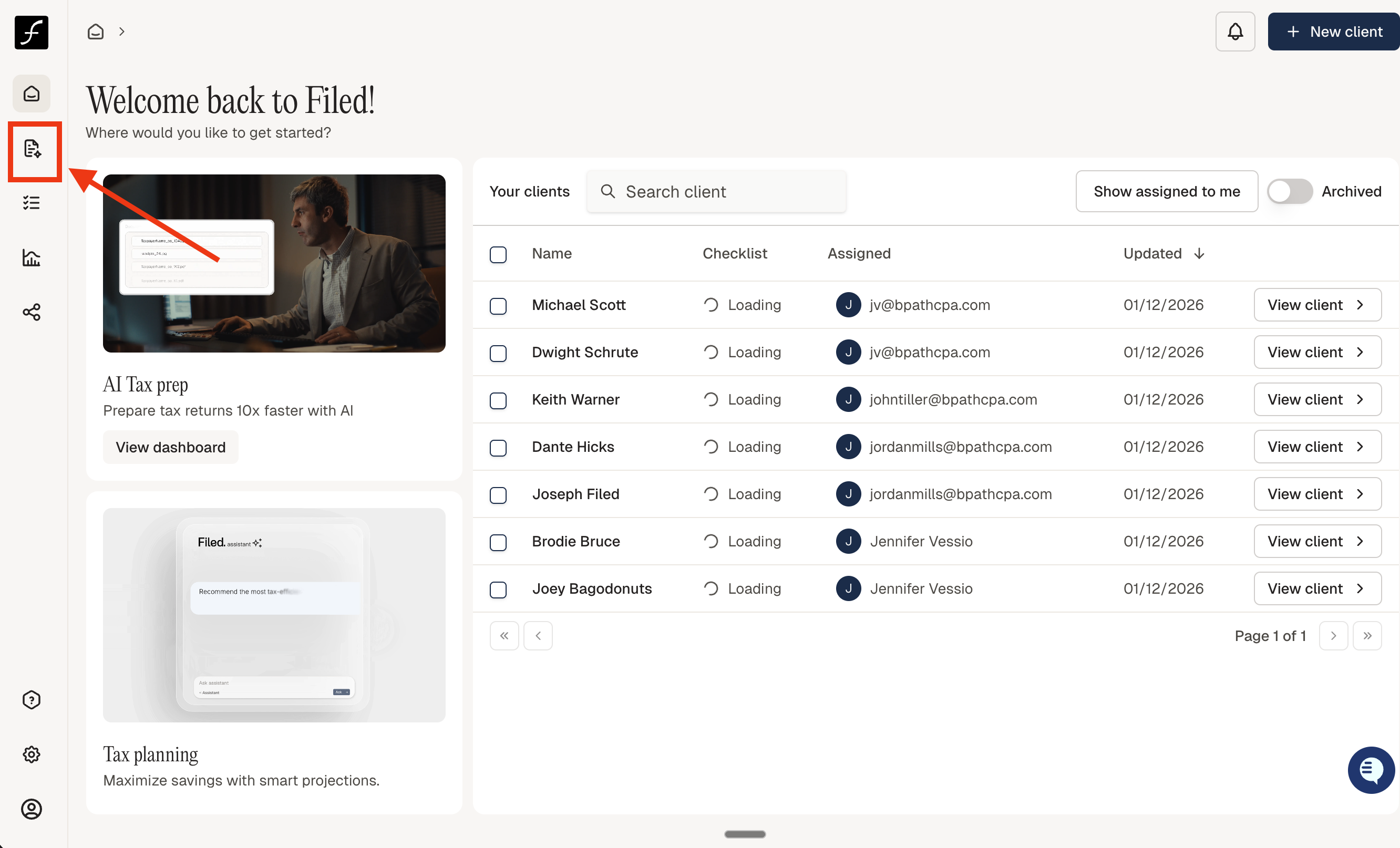
Log in and click the AI Tax Prep icon on the left side of the screen, as shown in the image below.
If the returns are currently assigned to you, select the returns you want to assign to someone else. Click the Assign button to choose a team member and reassign the selected returns.