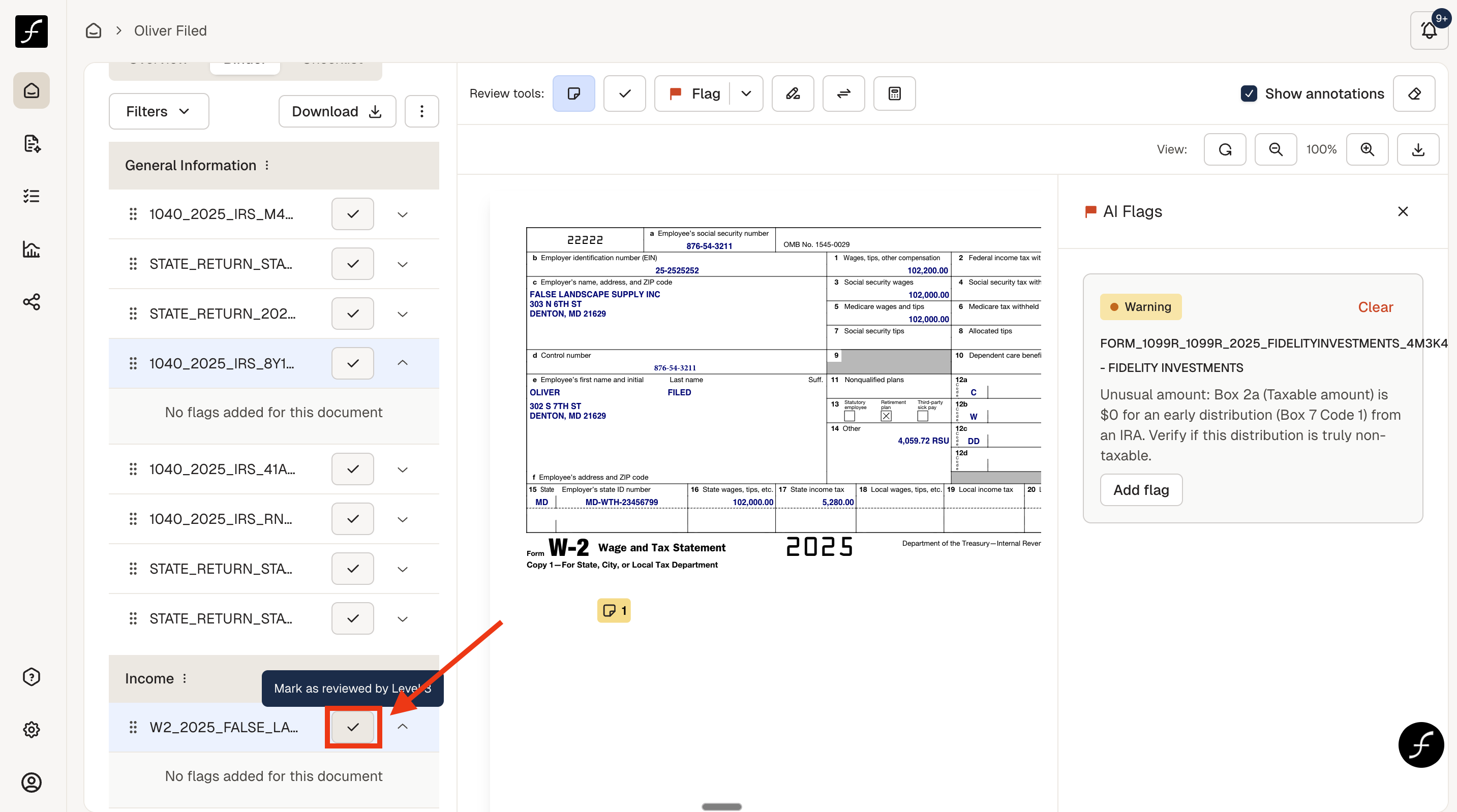
Review Functions in Binder - Add a Note
Last updated: March 9, 2026
Binder is where you can do your review in conjunction with your tax software, check items off, flag, perform calculations, and other review functions. In this document, you can see how to add a note to a source document in Binder.
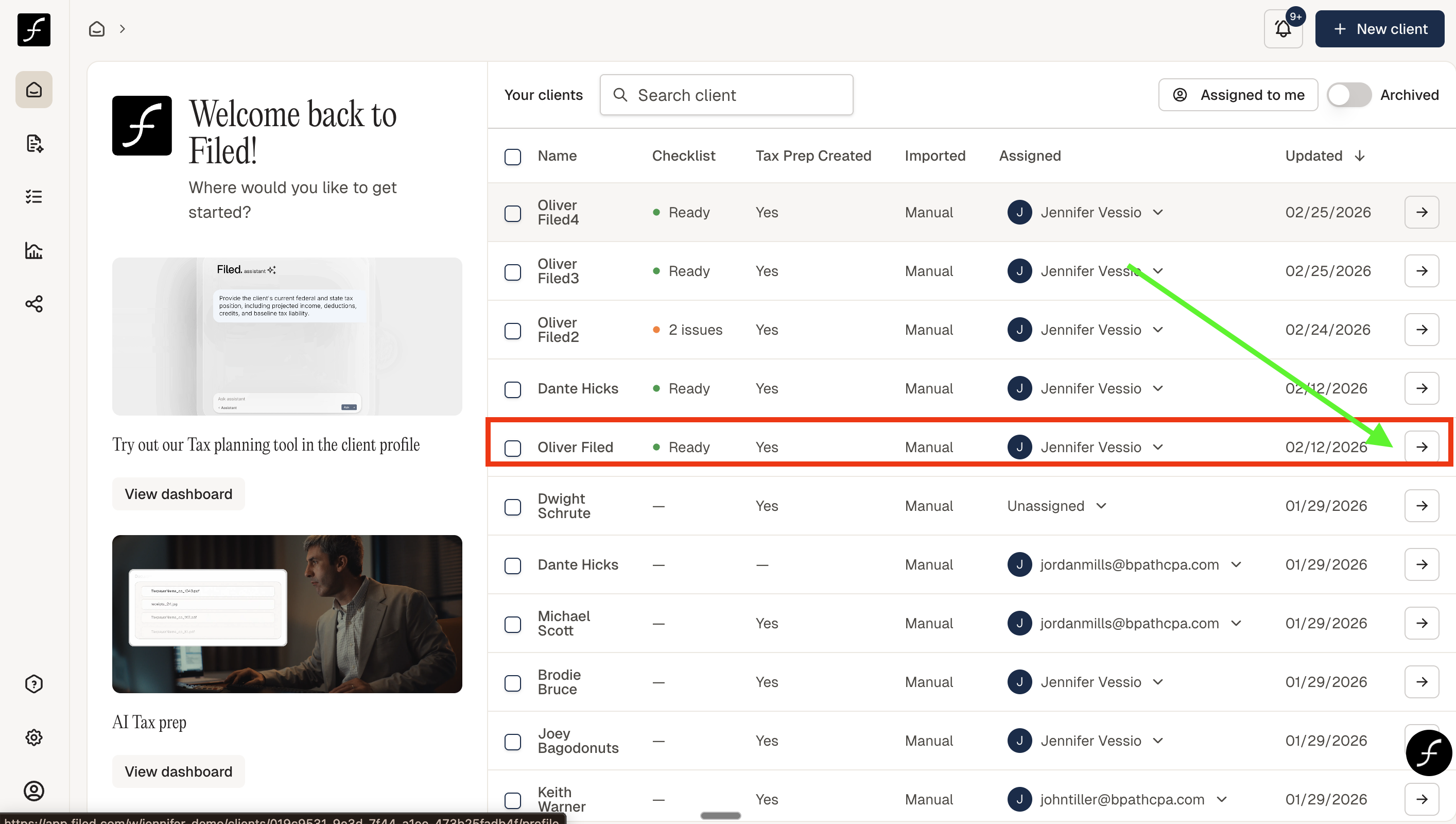
From the home screen, select the client that you would like to review by clicking the arrow to the right of the client.
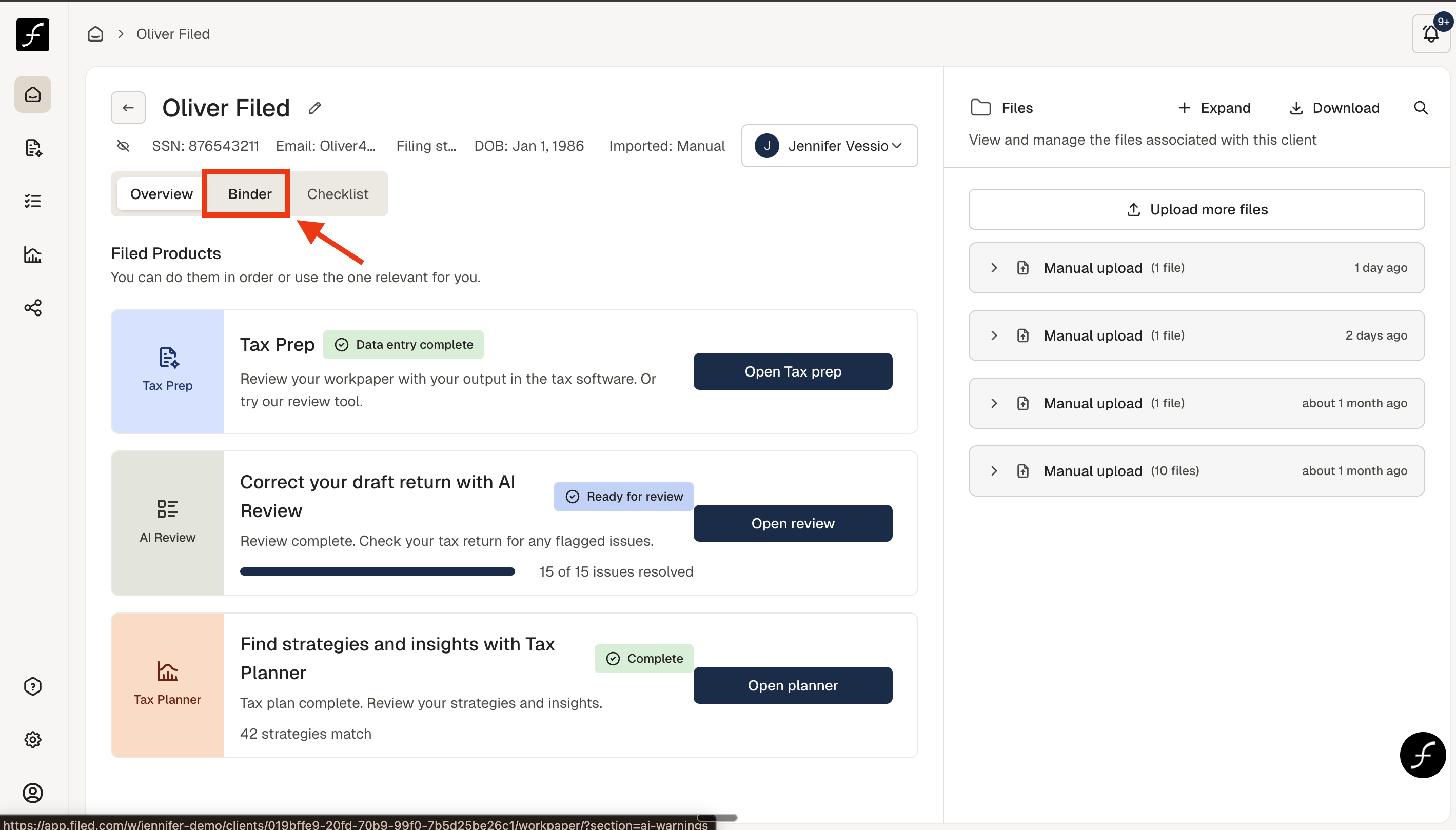
You will arrive to the chosen taxpayer's home screen within filed, where you can open the Binder.
To the right are the list of documents - scroll to the desired document and click on it to open. The add a note icon is above the source document. Click it and click on the source document where you want to leave a note.
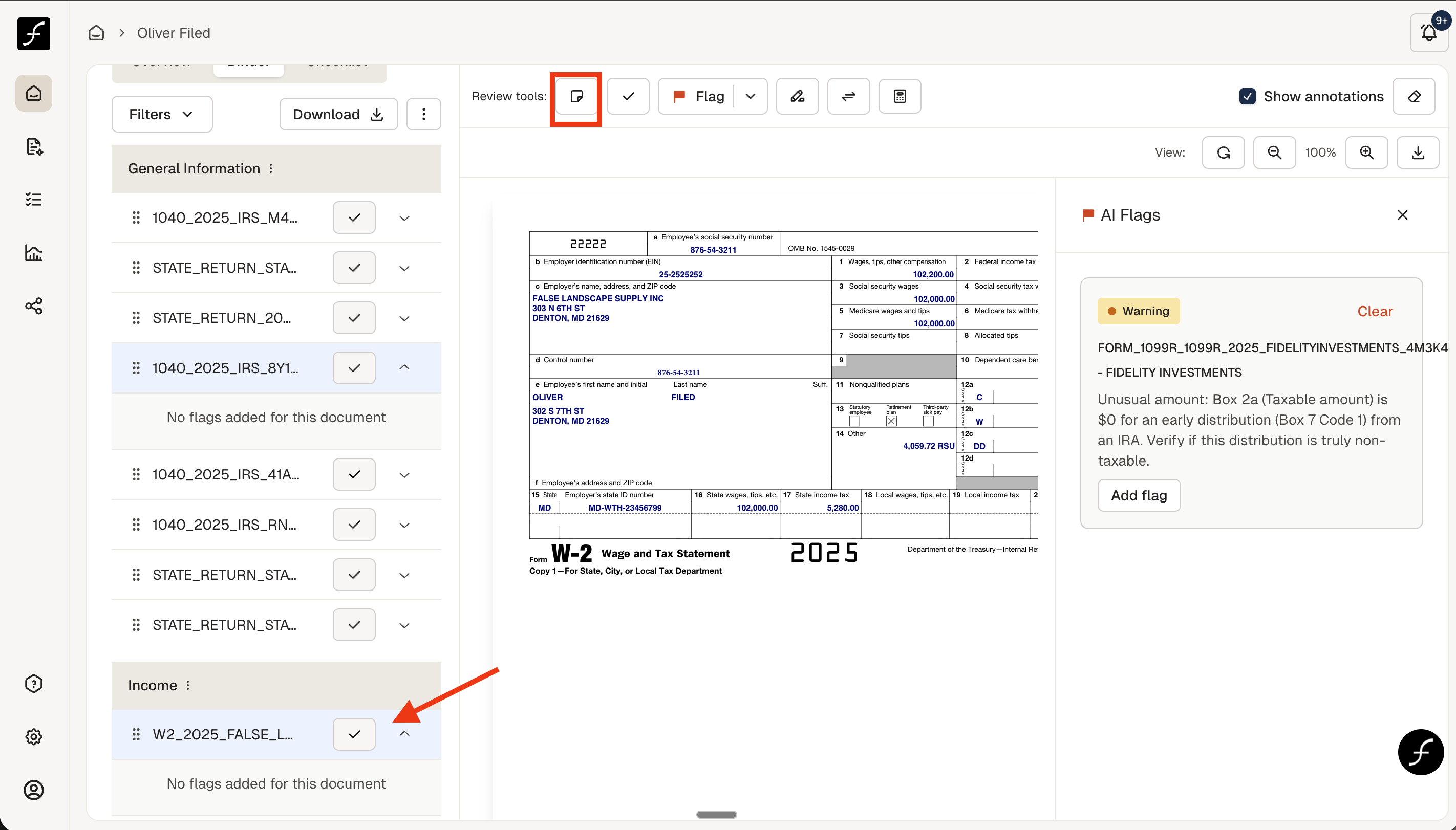
A box will open so that you can write an appropriate note, then click Save - there will be a time stamp and the note will show that you wrote it.
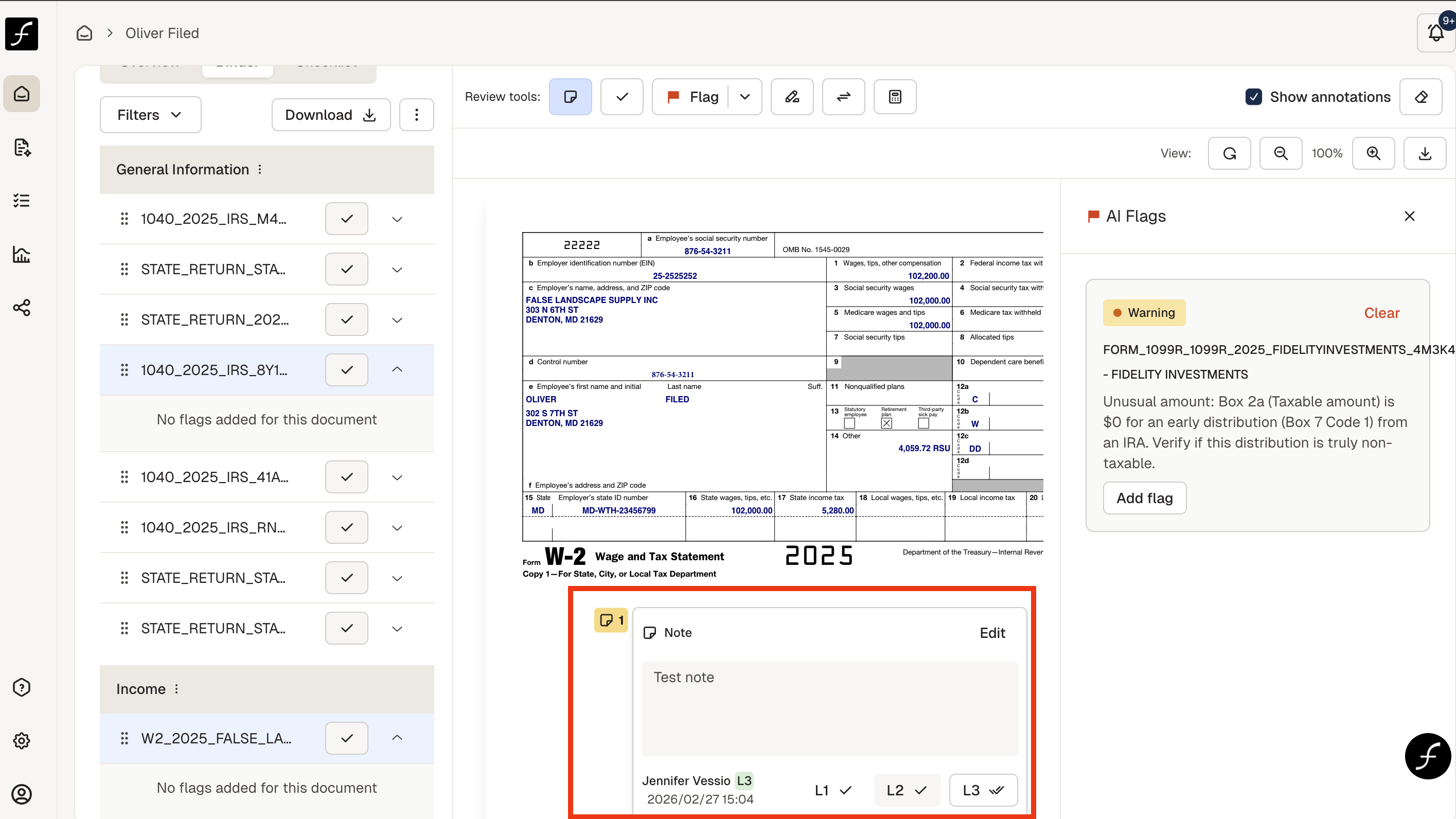
After clicking Save, be sure to click the check box next to the document that you have left the note on, this way the note will be seen when the binder is downloaded.