Can we remove an incorrect imported form input and re-enter it manually?
Last updated: August 13, 2026
Yes. Filed extracts backups of the tax return before processing it so the return can be restored if an imported form input is incorrect.
If an imported form input, such as a K-1 or another source document, does not import correctly, the return can be restored from a backup to a point before Filed touched it. This effectively removes the inputs added during Filed processing, so the team can re-enter the information manually.
When to use this
A K-1 or other imported input populated incorrectly.
You want to reverse Filed-added inputs.
You need to manually enter the information after reviewing the import.
How restoring works by tax software
Lacerte and ProConnect
At the moment, Lacerte and ProConnect are exceptions. Users will need to reach out to Filed so that Filed can revert the return back to the original state.
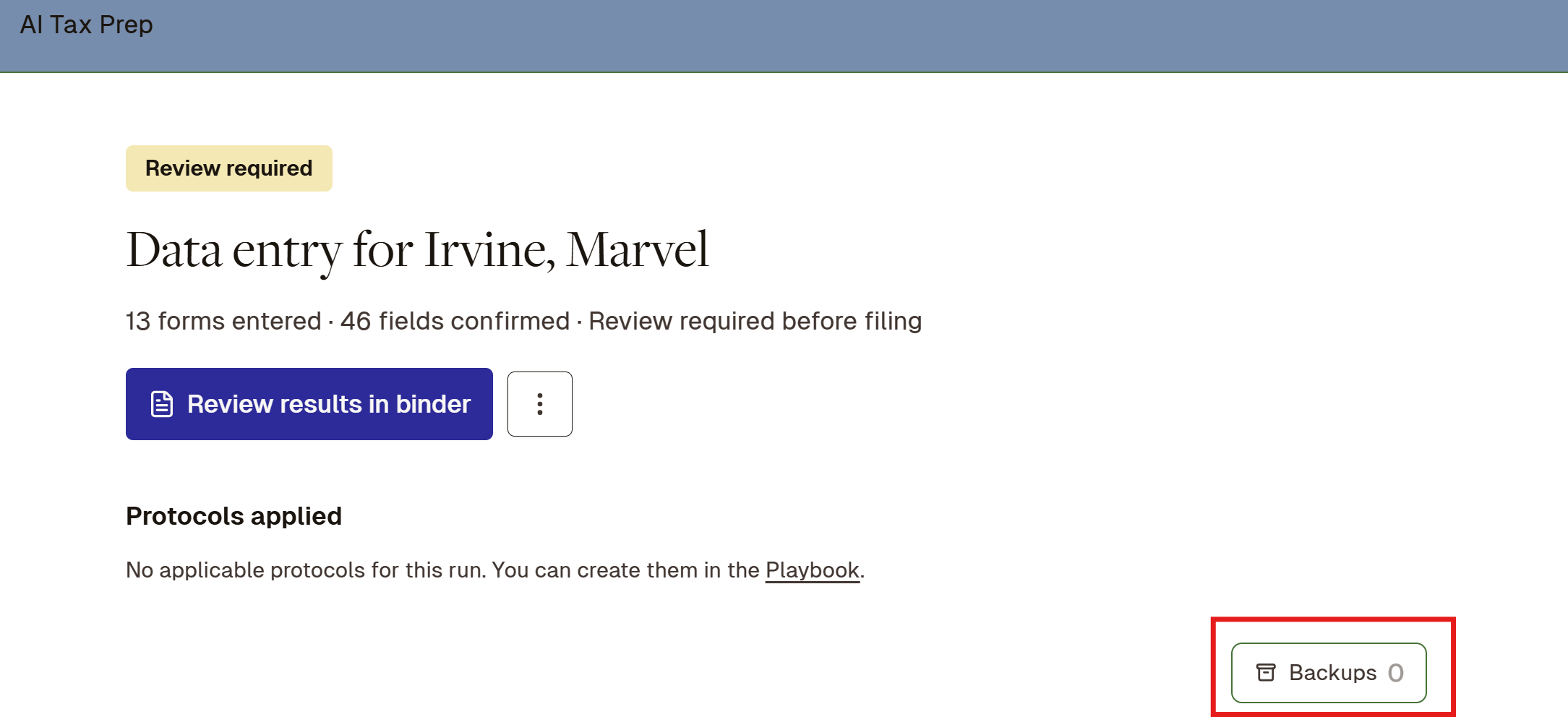
For Lacerte users, the AI Tax Prep feature may show Backups 0, meaning zero backups were fetched by Filed’s AI agents.
CCH Axcess Tax, Drake Software, and UltraTax CS
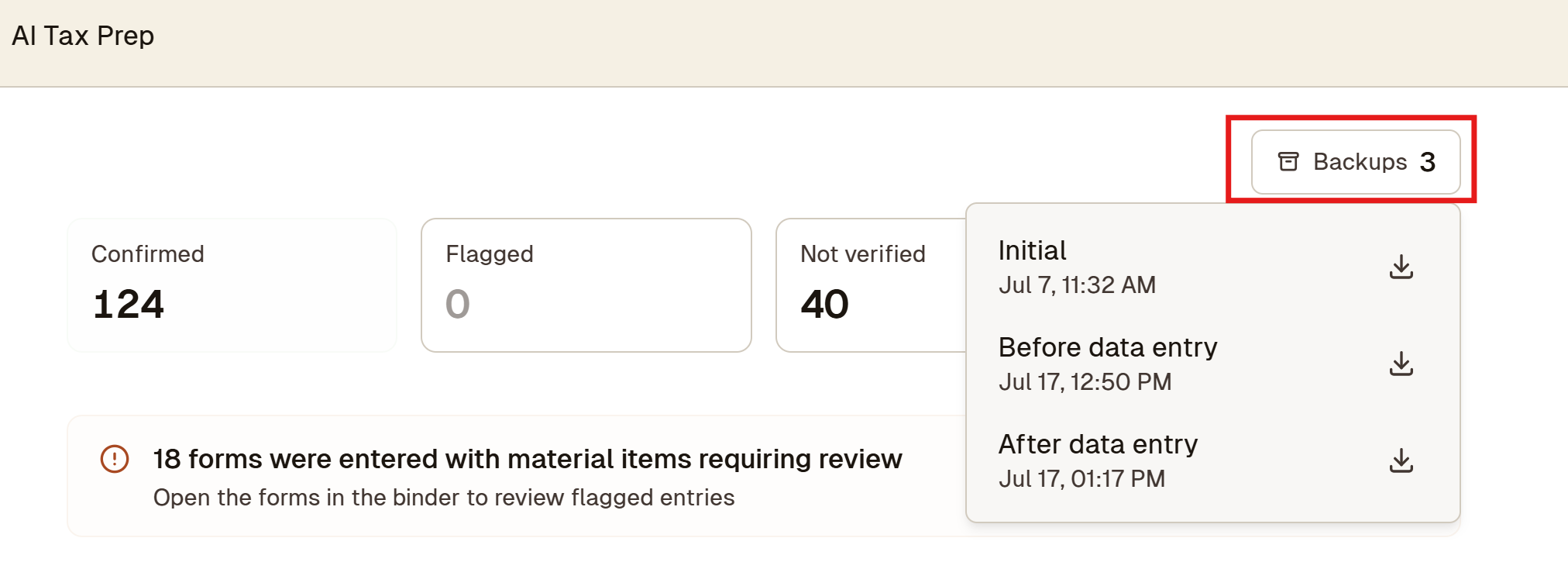
For CCH Axcess Tax, Drake Software, and UltraTax CS users, the AI Tax Prep feature shows the backup files fetched during processing. This includes the initial backup, the before data entry backup file, and the after data entry backup file.
If the user wants to revert back to the original, they can download the Initial backup copy from AI Tax Prep, then go to their tax software and restore that backup.
What to do
Confirm that the imported input is incorrect.
Determine which tax software the user is using.
For CCH Axcess Tax, Drake Software, or UltraTax CS: download the Initial backup from AI Tax Prep and restore it in the tax software.
For Lacerte or ProConnect: contact Filed so Filed can revert the return back to the original state.
Re-enter the affected form information manually after the return has been restored.
Note: Restoring the backup returns the tax return to its pre-Filed-processing state, so review any other Filed-added changes before proceeding.