Re-installing the Filed Sync App
Last updated: April 11, 2026
To re-install a new version of the Filed Sync App, steps below:
From your computer or server environment, un-install the Filed app. If you are using Windows, you will find it under Installed Apps
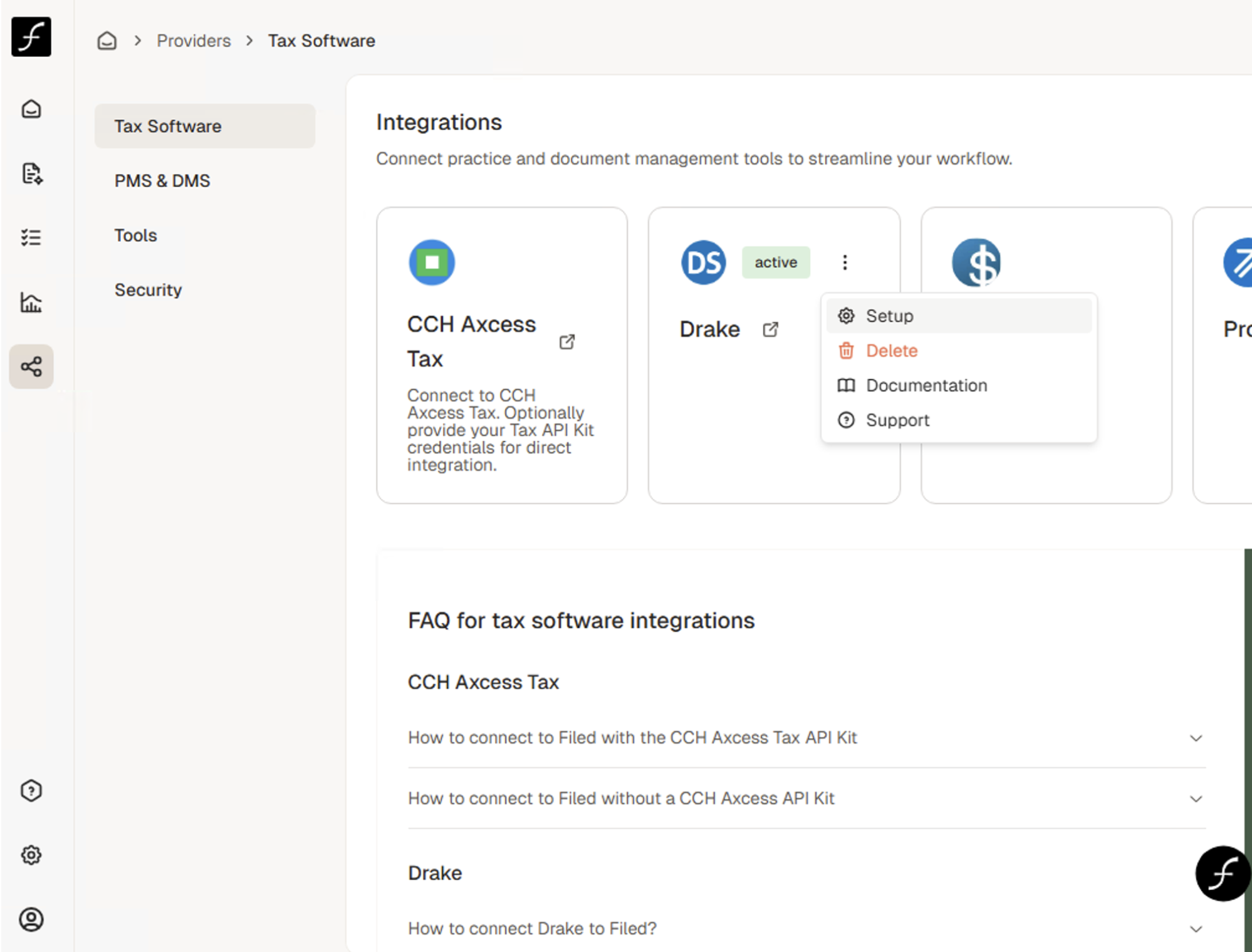
From your Filed Connect Tax Software page, click on the three dots in the top right of your connected software card (my quick screenshot shows Drake but the step is the same for all softwares) and click on Setup from the dropdown.
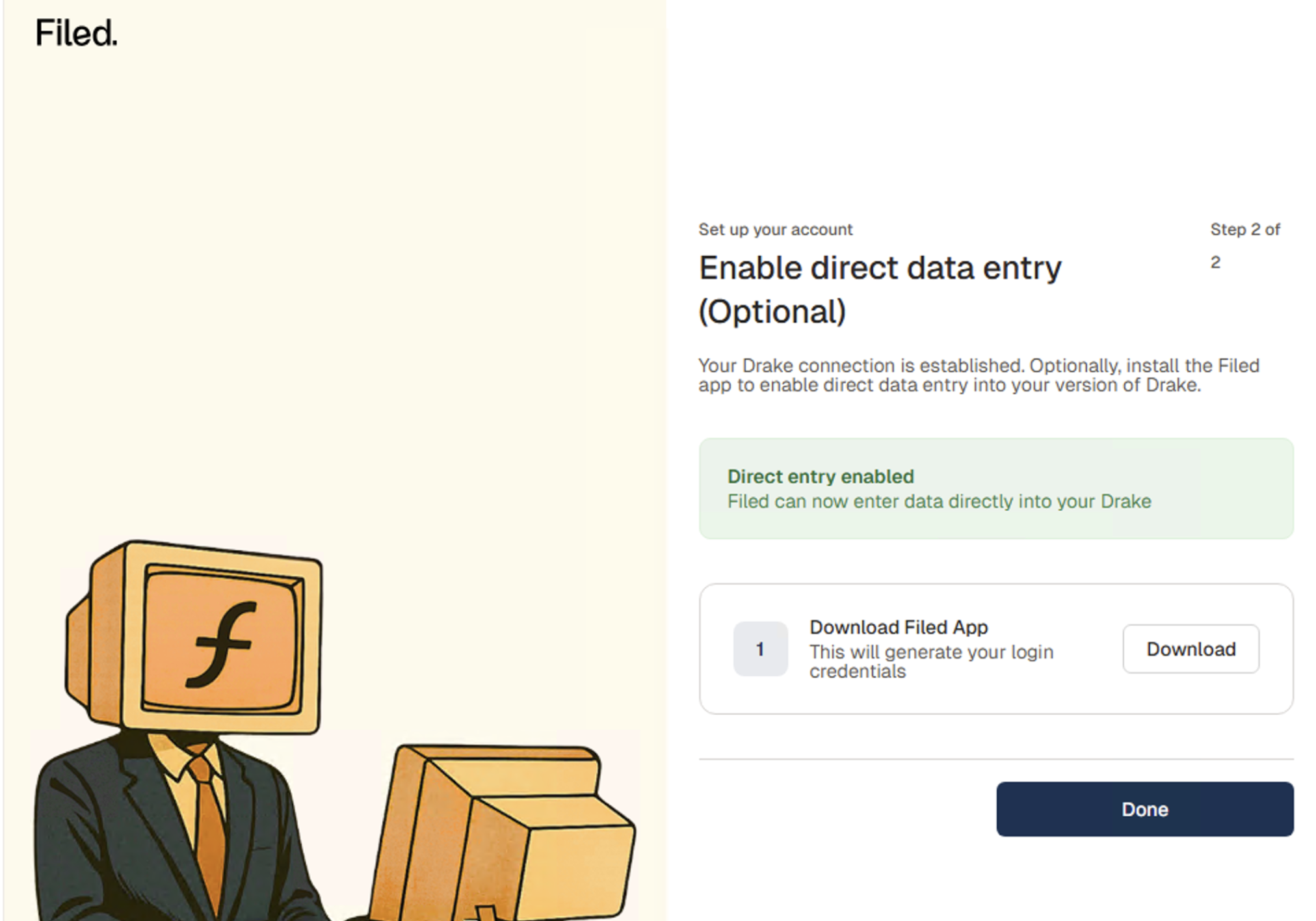
From Setup, click to download the Filed Sync App again by clicking download and then download it again on the next screen.
After downloading the app again, you’ll follow the same steps from your UltraTax integration steps to proceed through setup and add the ID and Password to the app.
To review these steps live, sign up for one of our webinars using this link.