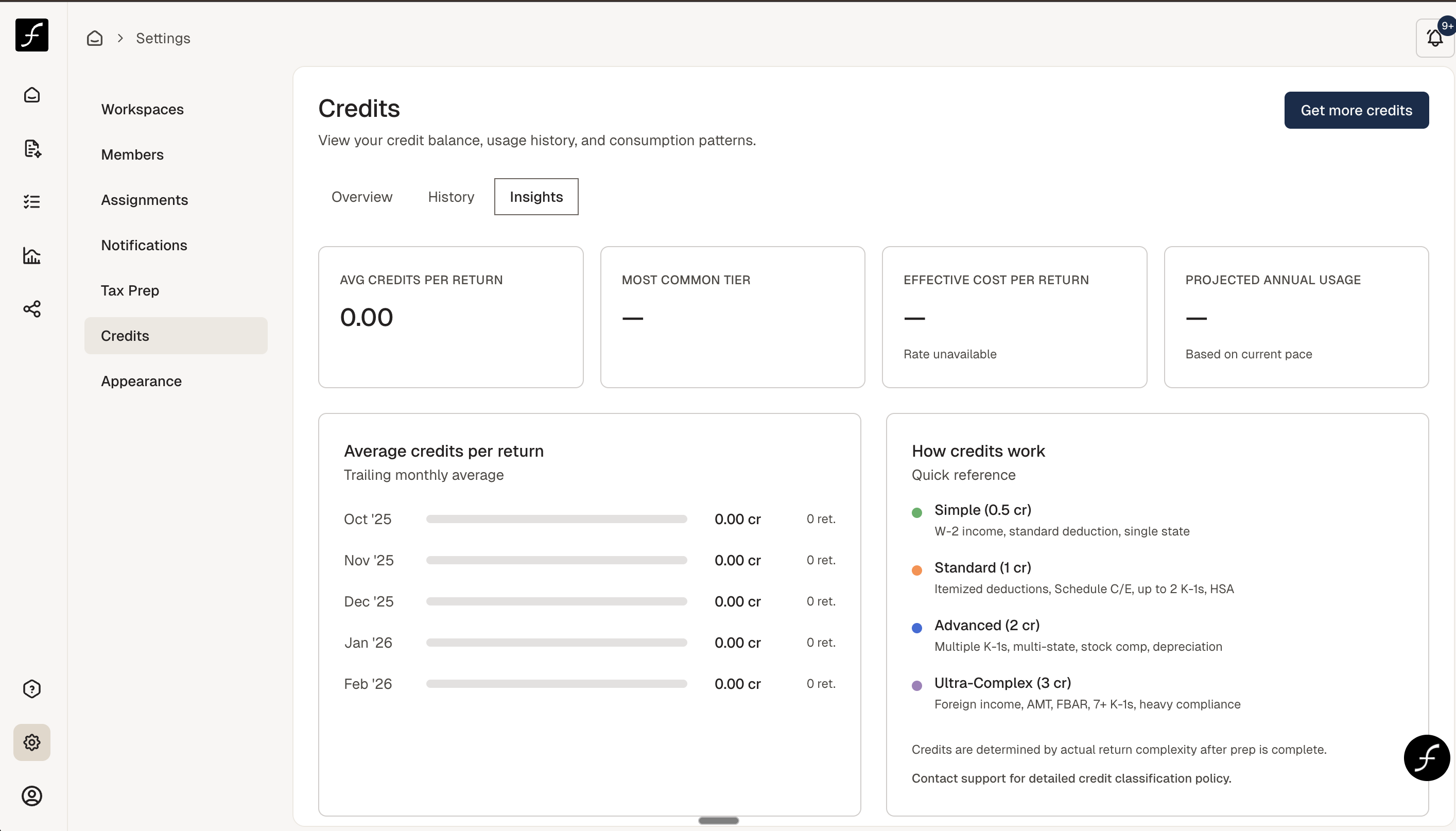
Understanding your credits
Last updated: March 6, 2026
The Credits tab will show you the credit balance, usage history, and consumption patterns.
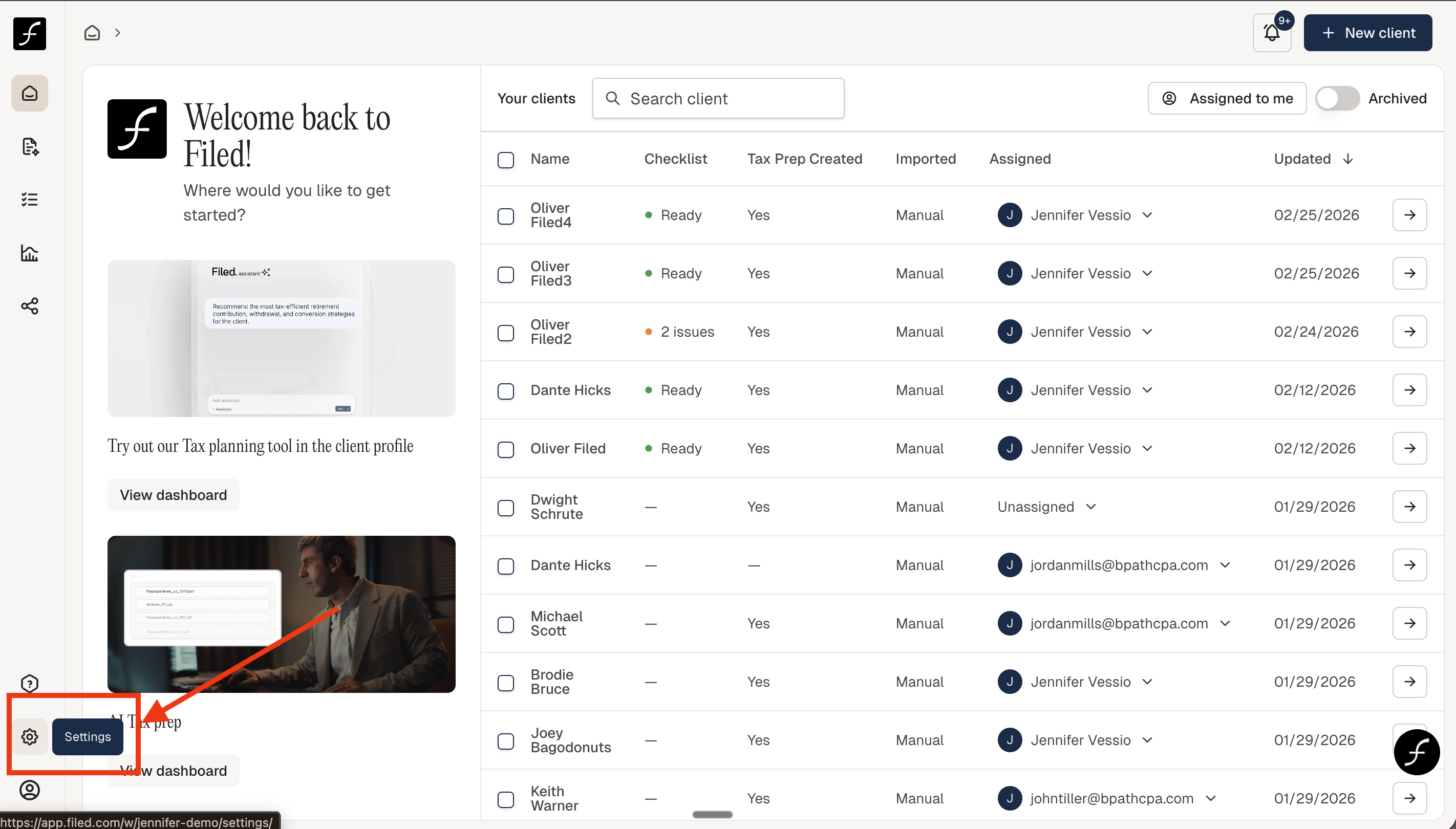
To find the Credits tab, log in, and go to the bottom left corner and click the gear icon (Settings) -
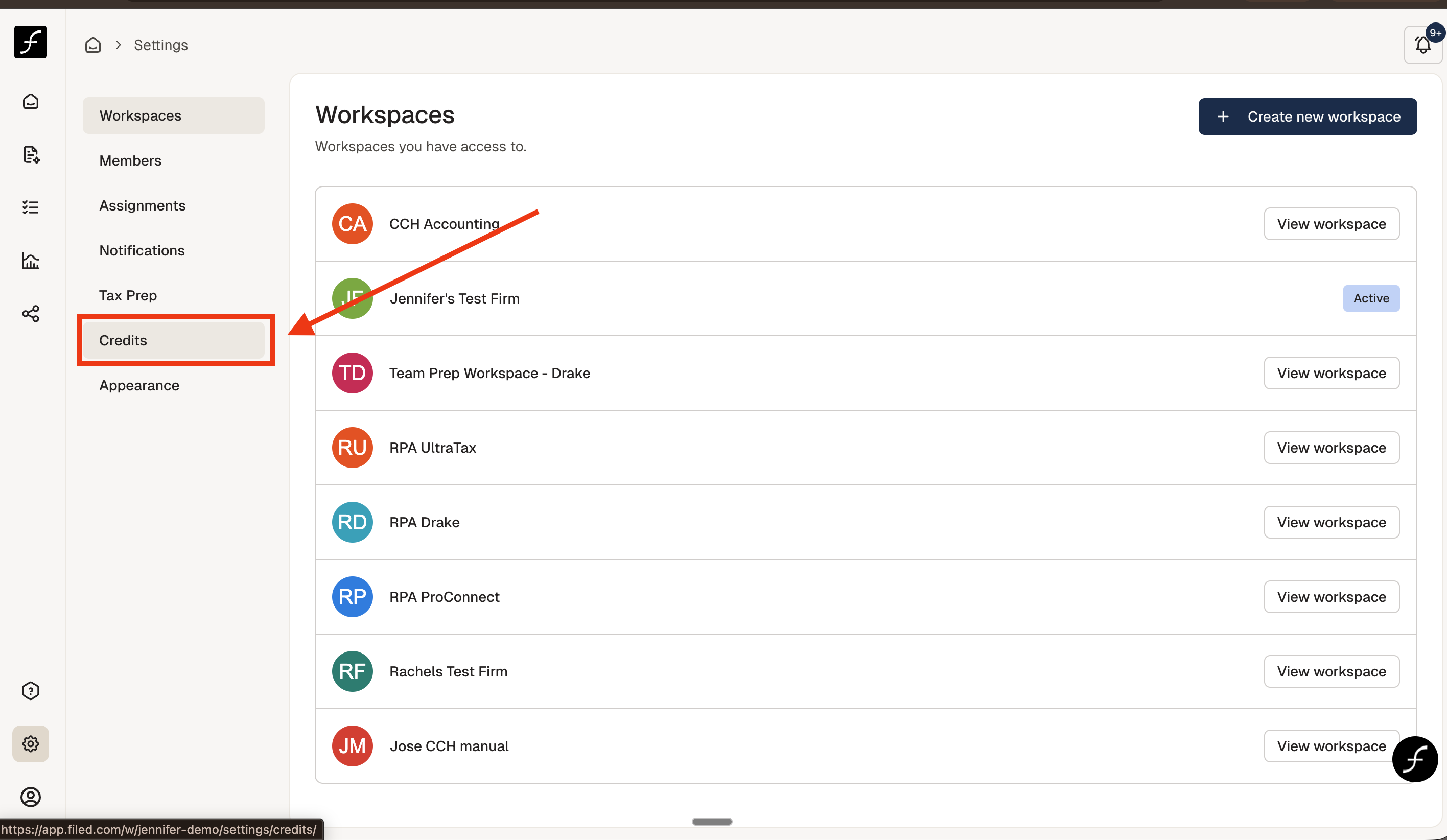
From the Settings screen, click the Credits tab -
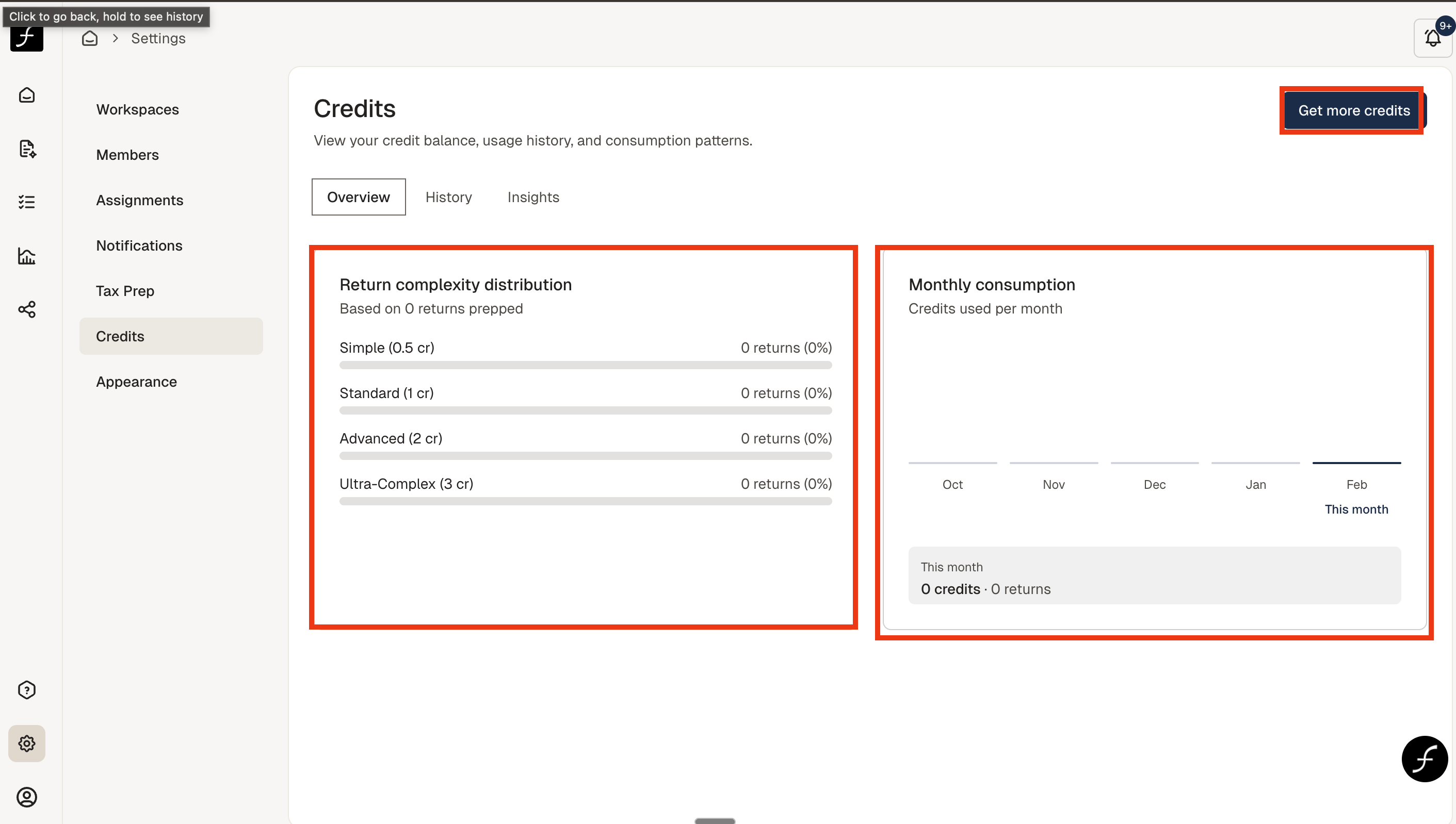
This will bring you to the Overview of credits used. You can see how many credits were used for tax returns of varying complexity, how many credits were used per month, and you can get more credits if you are running low.
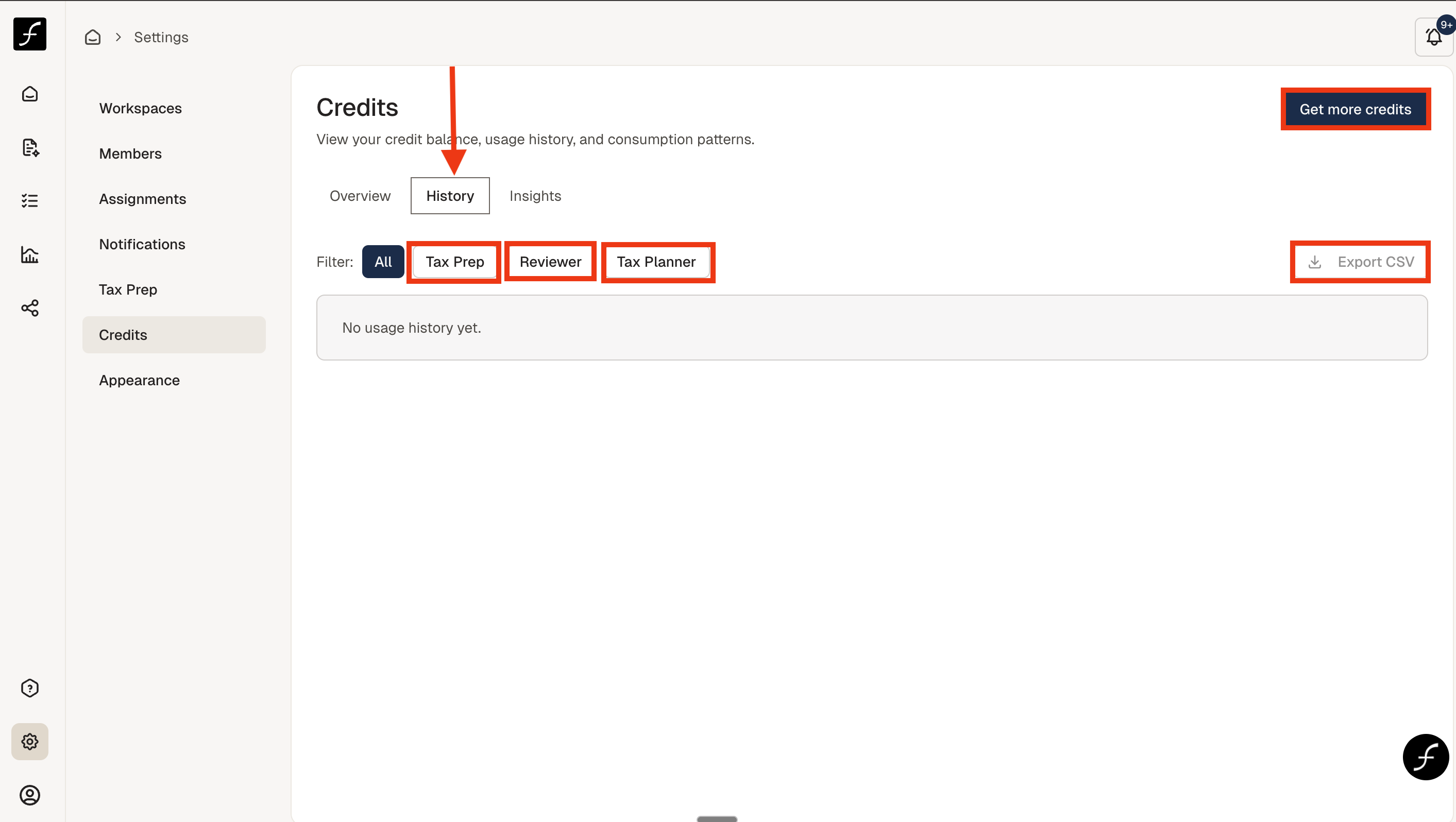
On the History tab - you can see how many credits you used for tax prep, review, and tax planner. You have the option to download this data in a .csv file - useful to decide how many credits to get for next season.
Clicking the Insights tab will provide insights into cost, usage, forecasting, etc.